Big Possibilities, Small Footprint: Why an A2/A3 Desktop Printer Belongs in Every Creative Business

Not every business needs a room-sized industrial printer. But if you’re working with a standard letter-size (A4) printer, you are cutting off opportunities — literally.
Enter the A2/A3 desktop printer — the perfect balance of professional-grade output, compact design, and global affordability. Whether you’re in Berlin, Bangkok, or Buenos Aires, these workhorses are helping freelancers, print shops, and e-commerce sellers unlock new revenue streams without breaking the bank or their backs.
What is an A2/A3 Desktop Printer?
Let’s simplify the sizing:
· A4 (8.5″ x 11″) – Standard office paper. Too small for most professional creative work.
· A3 (11″ x 17″) – Twice the area of A4. Perfect for double-page spreads, small posters, menus, and blueprints.
· A2 (17″ x 22″) – Four times A4. True large-format territory — art prints, presentation boards, retail signage.
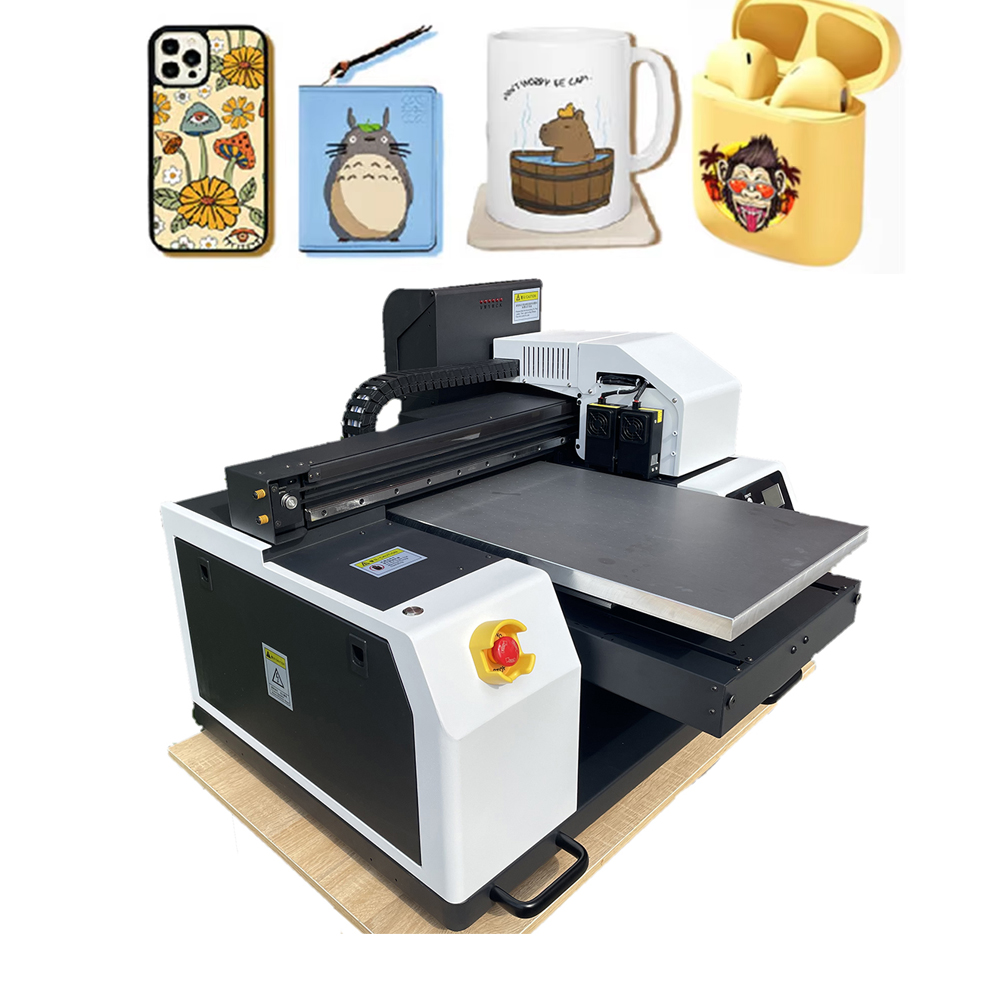
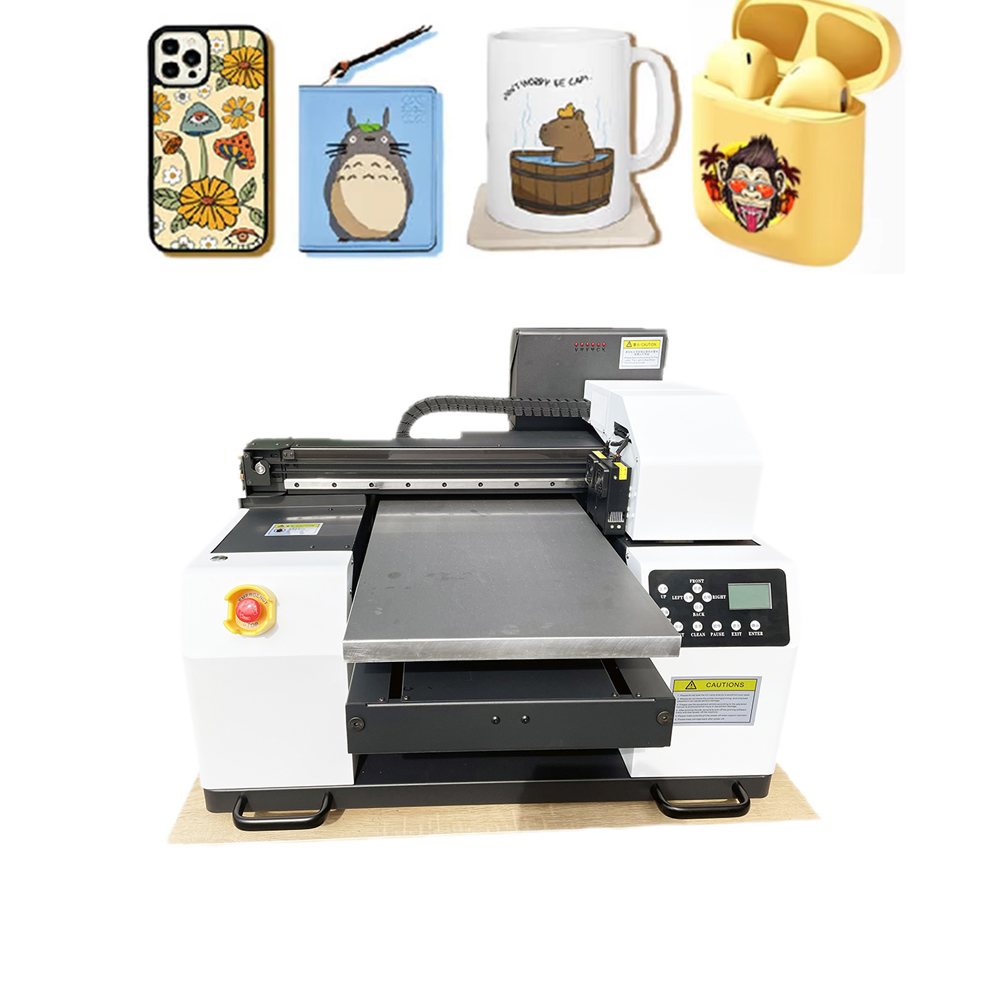
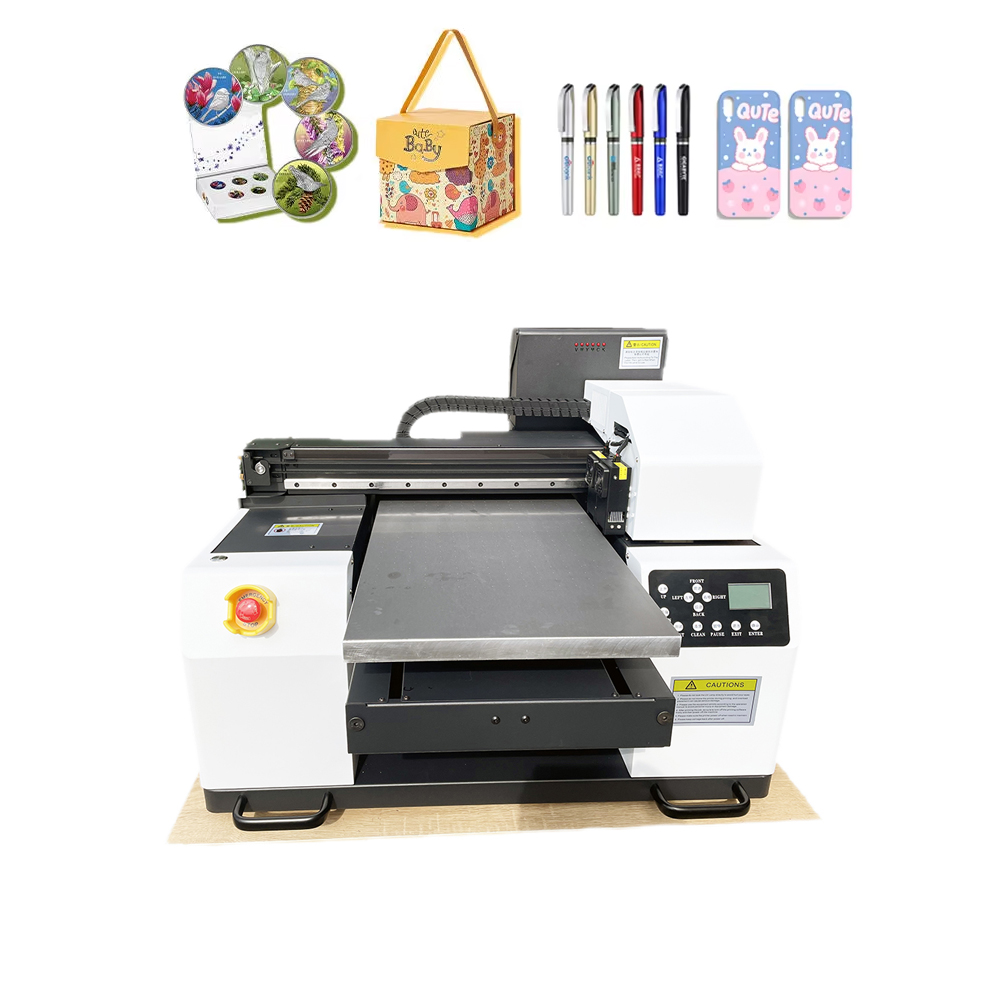
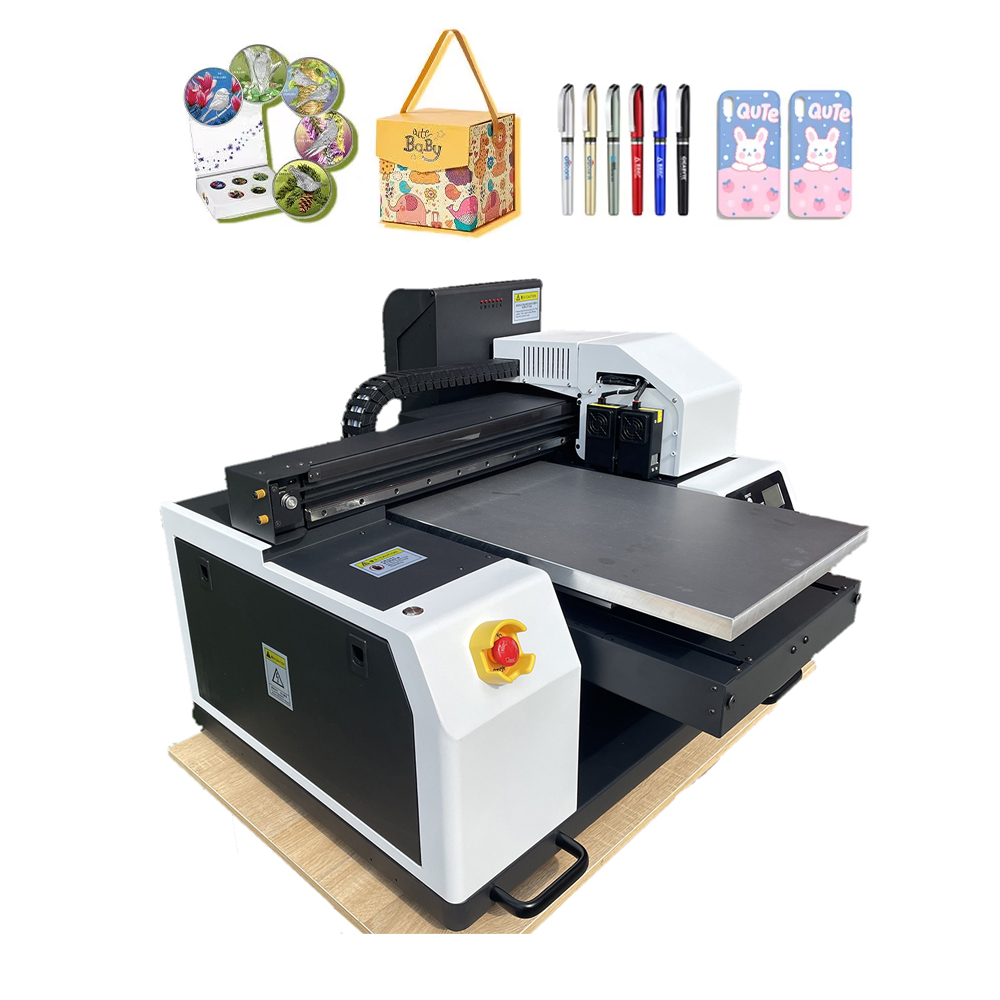
An A2/A3 desktop printer fits on a standard table (unlike floor-standing plotters) but prints media up to 13″ wide (A3+) or 17″ wide (A2). Models like the Epson SureColor P700/P900, Canon imagePROGRAF PRO-300, or even wide-format eco-tank printers bring gallery-quality output to your home office.
7 Reasons Global Customers Are Choosing A2/A3 Desktops
- Professional Quality, Prosumer Price
You don’t need a $10,000 machine to sell $200 art prints. High-end A2/A3 desktop printers feature pigment-based inks (fade-resistant for 100+ years), 11+ ink channels, and micro-nozzles as small as 1.5 picoliters. The result? Museum-grade archival prints that customers frame and keep for a lifetime.
- Massive Product Catalog from One Machine
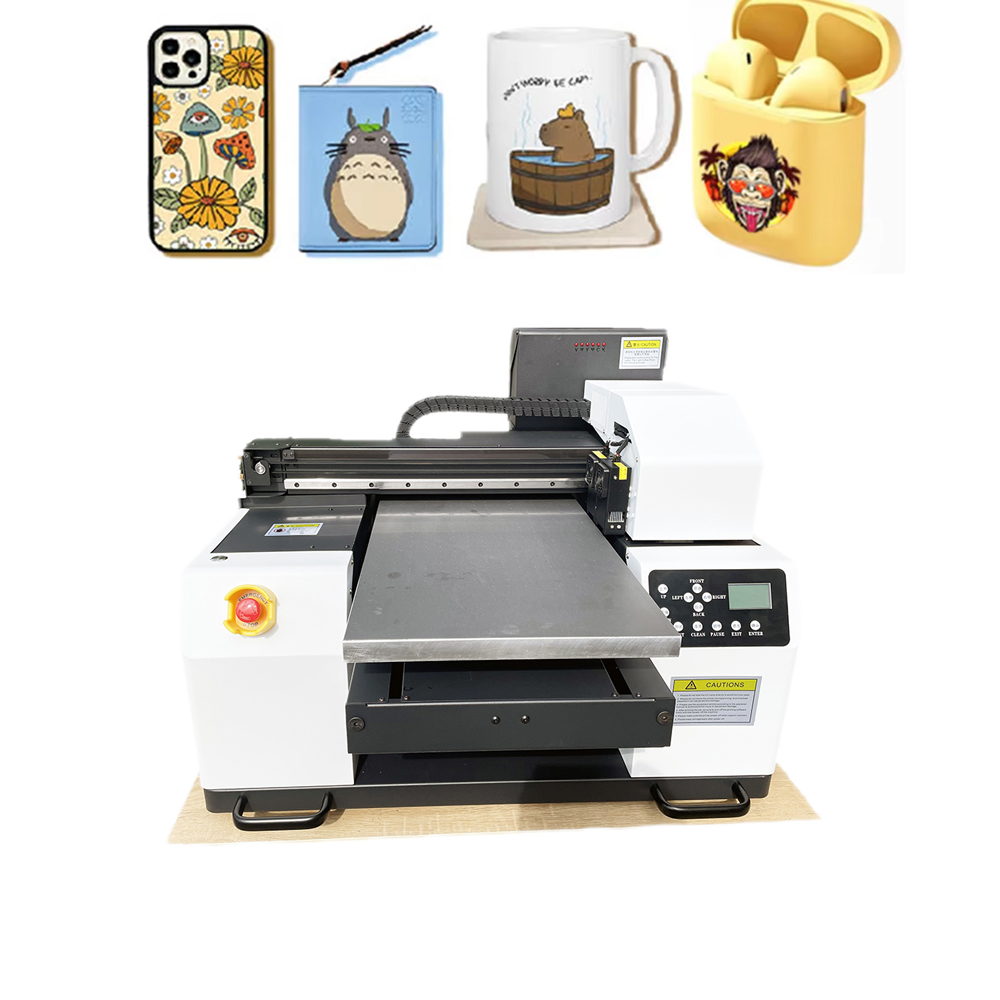
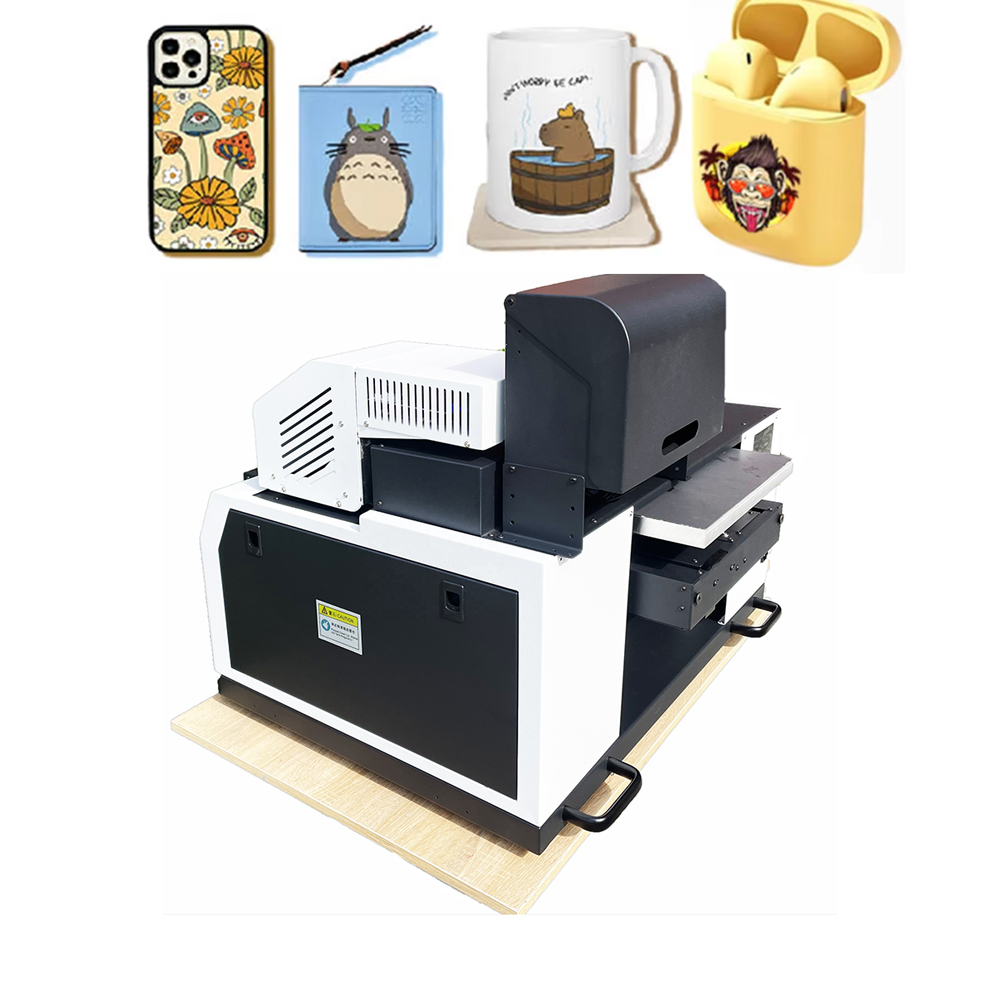
What can you print with an A3 printer? Almost everything:
· 📸 Fine art photography prints (giclée)
· 🍽️ Restaurant menus (waterproof, tear-resistant)
· 🎨 Greeting cards & invitations (thick cardstock support)
· 📦 Product packaging prototypes
· 🧭 Posters & event signage
· 👕 Heat transfer paper (DTF & sublimation)
· 🏷️ Stickers & labels (with roll feed options)
· 📐 Blueprints & CAD drawings
One machine replaces a dozen outsourced services.
- Borderless Printing & Odd Sizes
Clients never want standard sizes. A2/A3 desktop printers excel at:
· Borderless photos (4″x6″ up to A3+)
· Panoramics
· Square formats (12″x12″ for album covers)
· Custom roll media (for banners or long strips)
No white borders. No trimming. No wasted paper.
- Handle Thick & Exotic Media
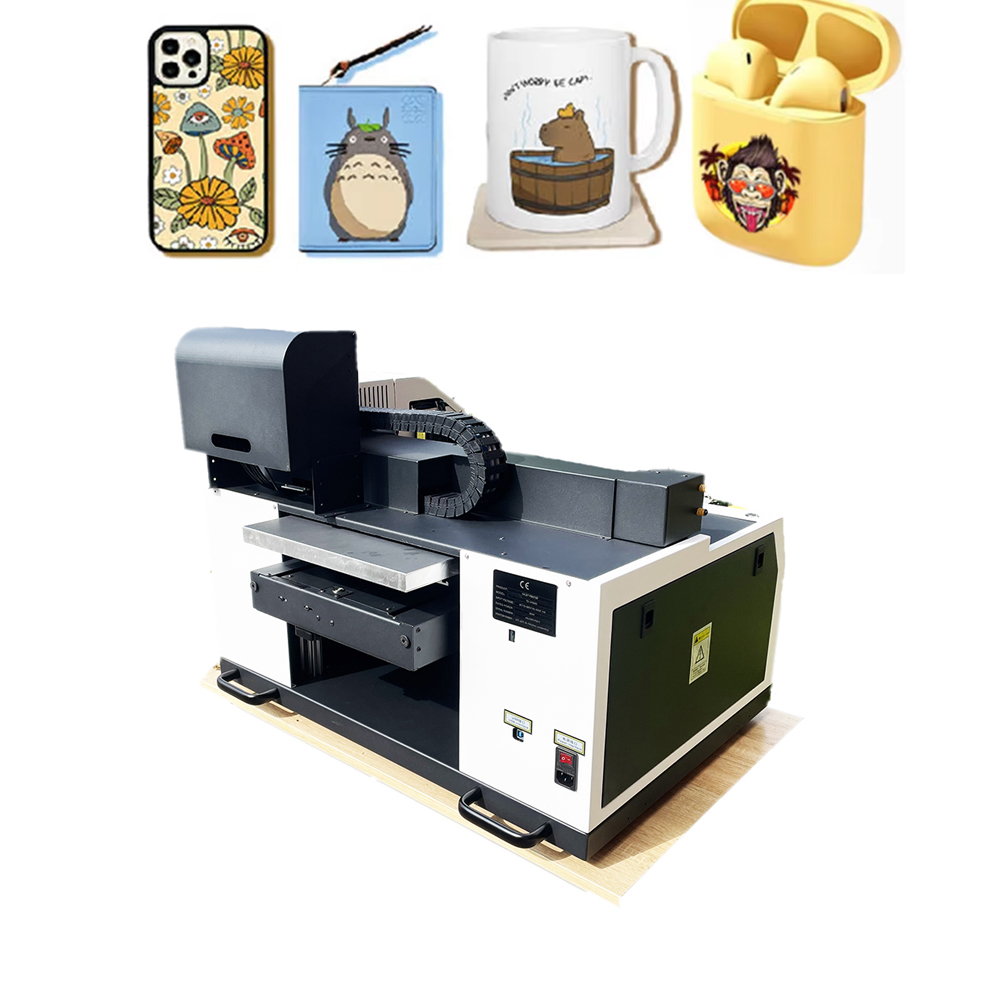
Ejecting an A3 printer for a “paper jam” on thick cardstock? Not anymore.
· Standard: 240–300 gsm fine art paper
· Heavy: Up to 1.2 mm thick (mat board, thin plywood, vinyl sheets)
· Specialty: Canvas, silk, rice paper, adhesive vinyl, magnetic sheets
Global artists are printing directly on wood veneer, aluminum composite (Dibond), and even clear film — all from a desktop machine.
- Ink Economics That Scale With You
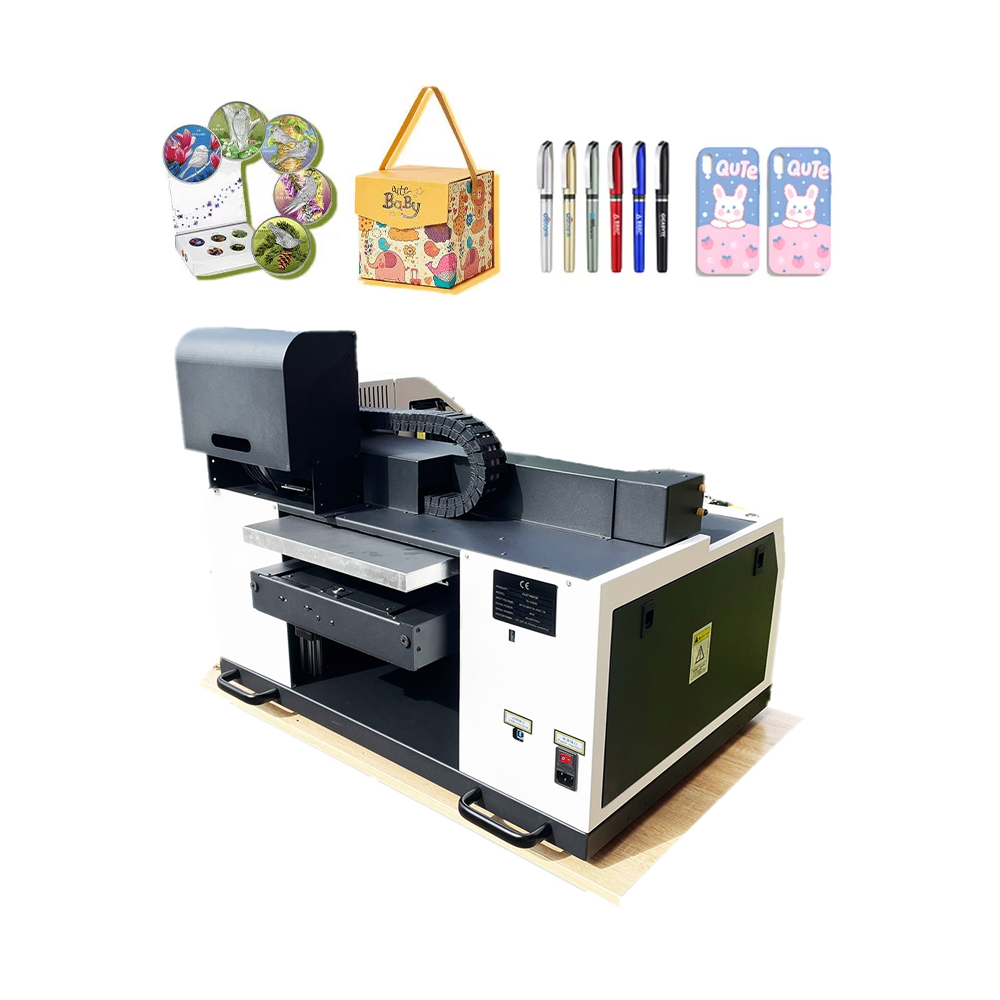
Old printers bled you dry with $30 cartridges lasting 50 prints. New A2/A3 desktops offer:
· Refillable ink tanks (EcoTank, MegaTank) – cost per print drops to pennies.
· High-capacity cartridges (up to 80ml per color) – 700+ A3 prints per set.
· Third-party compatibility – Widely available globally, keeping your running costs low.
- Wi-Fi, Mobile & Cloud Printing
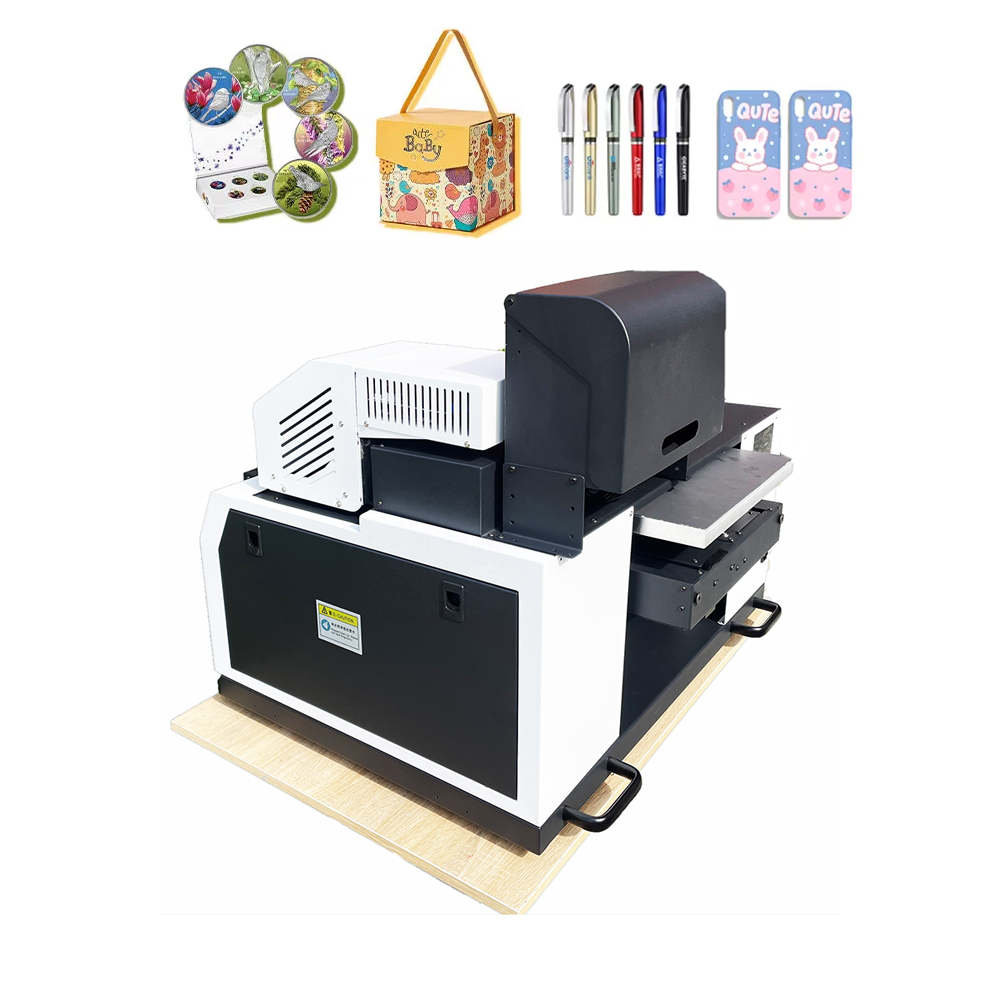
Your customers expect speed. Modern A2/A3 printers include:
· AirPrint & Mopria – Print from any iPhone or Android.
· Ethernet + Wi-Fi Direct – No network? No problem.
· Cloud platforms – Google Drive, Dropbox, Etsy orders printed directly.
Run your print business from a laptop, tablet, or even your phone while traveling.
- Compact Enough for Any Space — Global Friendly
Unlike 44″ plotters that require loading docks, an A2/A3 desktop printer:
· Fits on a standard 60cm deep desk
· Weighs under 20kg (easy to ship internationally)
· Operates on 100–240V power (works in every country)
· Replacement parts & inks available locally almost everywhere
Who Is Buying A2/A3 Desktop Printers?
Customer Type What They Print Why A3
Photographer Fine art giclée prints Archival pigment ink, color accuracy
Graphic designer Mockups, prototypes Borderless, thick paper support
Etsy seller Stickers, cards, art prints Low entry cost, fast turnaround
Architect/engineer CAD drawings A3 is standard for blueprints
Print-on-demand shop Transfer paper for DTF/sublimation Flat platen, heat-resistant inks
Small signage shop Menus, flyers, small posters Quick setup, no outsourced delays
A3 vs A2: Which one do you need?
Feature A3 (11″ x 17″) A2 (17″ x 22″)
Max media width 13 inches 17 inches
Desk footprint Small (fits anywhere) Larger (dedicated table)
Typical price $300 – $800 USD $900 – $2,500 USD
Ink cost per A3 print $0.15 – $0.40 $0.10 – $0.30 (larger tanks)
Best for Posters, menus, packaging prototypes Fine art, large signage, bulk production
Global tip: Start with A3 if you’re new. Upgrade to A2 when you’re consistently printing 50+ large pieces per week.
The ROI: Small investment, big returns
Let’s use realistic global pricing (USD):
· A3 printer cost: $500
· Paper + ink per fine art print (11″x14″): $1.50
· Selling price (framed not included): $25 – $50
· Gross margin per print: 94%
Sell just 15 prints per month = $375 gross profit.
Printer pays for itself in under 2 months.
Add greeting cards (sell $5 each, cost $0.60), stickers (sell $3, cost $0.15), or menus (sell $2/page, cost $0.20), and you’re profitable by week two.
Ready to stop outsourcing and start printing in-house?
Every day you pay a print shop $20 for a single poster is a day you delay owning the machine. With an A2/A3 desktop printer, you control quality, turnaround time, and 100% of the profit.
No more waiting. No more minimum orders. No more giving away your margin.
