Why the World’s Creatives Are Choosing Desktop A2/A3 Printers

Sub-headline: Professional wide-format printing without the warehouse footprint. Perfect for architects, photographers, and small studios.
Introduction: Big Prints Don’t Require Big Space
For decades, printing A2 (16.5″ x 23.4″) or A3 (11.7″ x 16.5″) meant one of two things:
- Outsourcing to a commercial print shop (losing control and margin), or
- Buying a floor-standing industrial printer that costs as much as a car and takes up half your studio.
Desktop A2/A3 printers changed everything.
These compact powerhouses fit on a standard desk, plug into a wall outlet, and deliver gallery-quality, borderless prints up to A2 size. From architectural blueprints in Berlin to fine art giclée prints in Melbourne to classroom posters in Mexico City—a desktop A2/A3 printer turns any workspace into a professional print bureau.
Why Global Customers Are Switching to Desktop Wide-Format
If you want to attract buyers worldwide, here is what they are searching for:
- Space is a Premium (Especially in Dense Cities)
A small design studio in Tokyo or a home office in São Paulo cannot accommodate a 150kg floor printer.
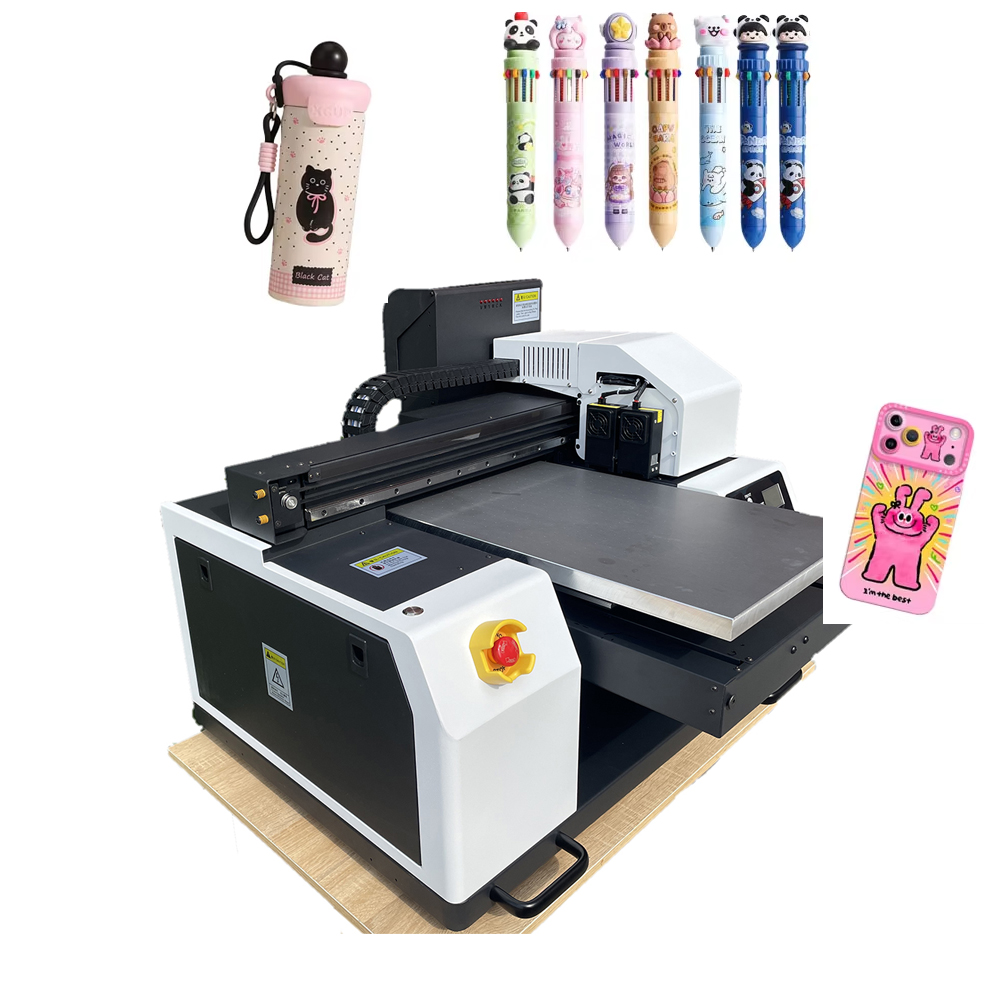
Desktop A2/A3 printers occupy less than 2 square feet of desk space.
· Typical footprint: 24″ wide x 15″ deep
· Weight: 15–25 kg (easy to move, no freight shipping required)
- Massive Margins on “Small Batch” Wide-Format
Commercial print shops charge $15–$30 for a single A2 poster.
Your cost on a desktop A2 printer?
· Ink: $0.80–$1.50
· Paper (premium matte): $0.60–$1.20
· Total cost: ~$2.00 → Sell for $15–$25
That is 70–85% profit margin on the very first print.
- No Minimum Orders = Total Creative Freedom
An architect needs one set of A2 blueprints for a client presentation.
A photographer needs three proof prints before the final gallery run.
A teacher needs 20 A3 posters for a science fair.
A desktop printer handles 1 to 100 prints profitably. No setup fees. No waste. - Borderless Printing for Professional Presentation
Many consumer printers leave a white margin. Desktop A2/A3 models offer borderless printing on supported media.
· Full-bleed posters
· Edge-to-edge architectural renderings
· Tiled panorama photos
Your customers present like a professional agency, not a hobbyist.
Key Applications That Win Global Buyers
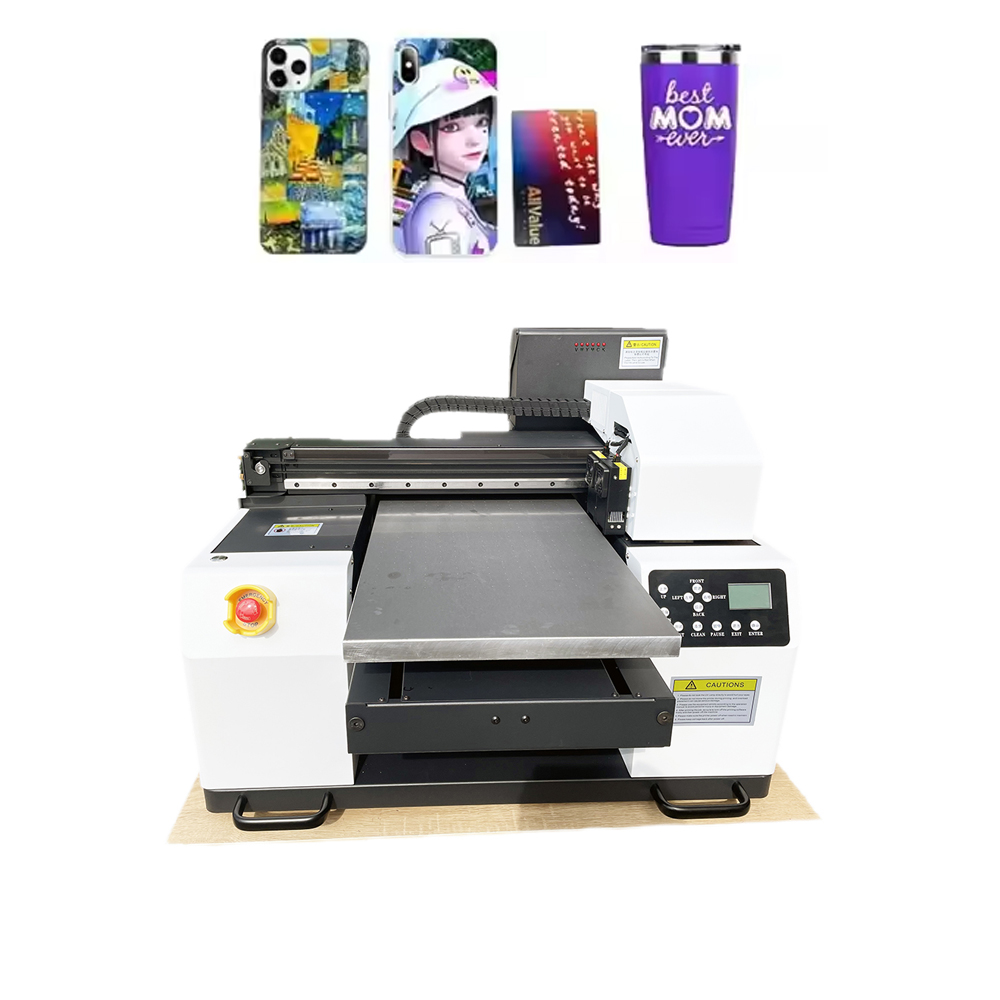
Different regions have different needs. A great desktop A2/A3 printer serves them all:
Industry Application Paper Size Why Desktop?
Architecture/Engineering CAD drawings, blueprints, permit sets A2, A3 Print on-demand for client meetings
Photography Fine art giclée, proof prints, portfolio A2 2400+ DPI, archival inks
Education Posters, classroom displays, science fair boards A3 Low cost per print, teacher budget friendly
Graphic Design Mockups, packaging prototypes, client proofs A2/A3 Instant iterations, no outsourcing delay
Real Estate Floor plans, marketing flyers, open house signs A3 Print the morning of the showing
Retail/Merch Small signage, menu boards, event banners A2 Same-day production for last-minute clients
The 5 Features That Close International Sales
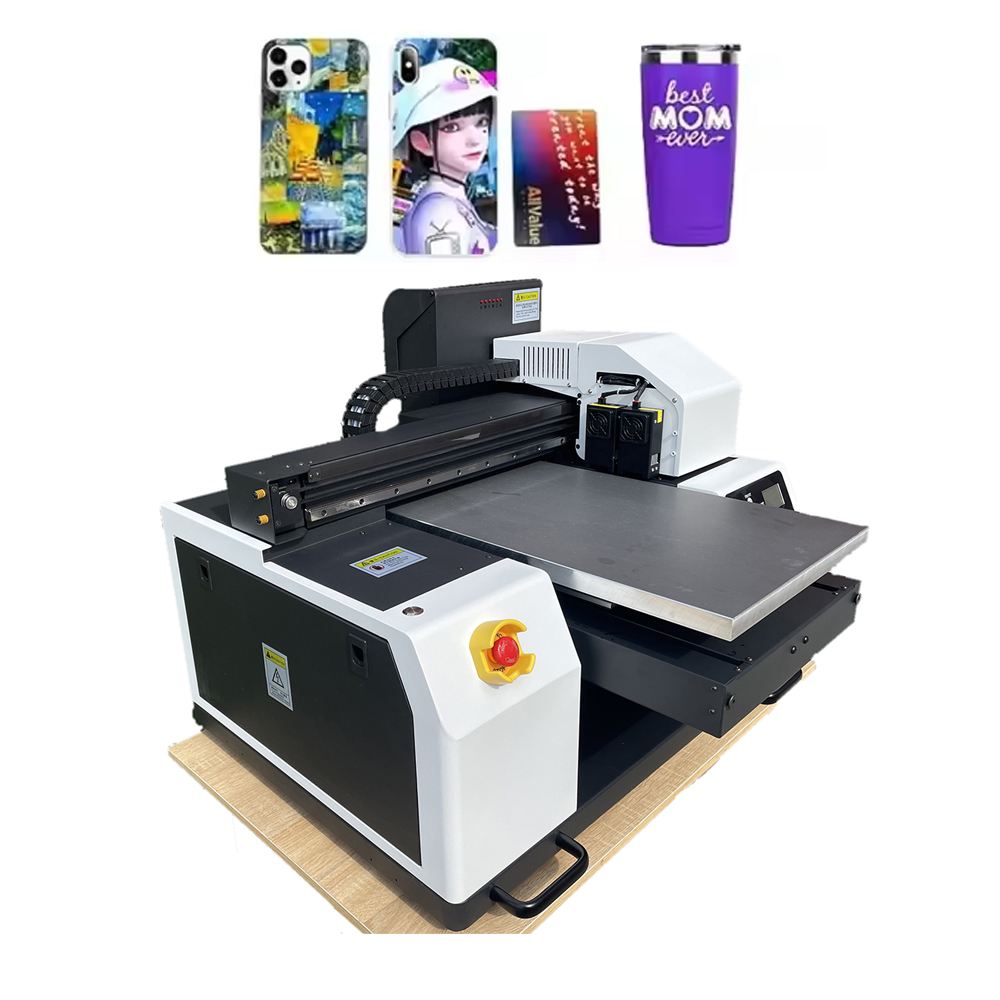
When buyers research desktop A2/A3 printers, they look for these specific capabilities:
- Ink System Matters More Than Print Head Count
· Dye-based ink: Best for photos and posters (vibrant colors, lower cost)
· Pigment-based ink: Best for archival/giclée (100+ year fade resistance, waterproof)
· All-in-one tanks (EcoTank/Megatank): Lowest cost per page (fractions of a cent per mL)
Pro Tip for Global Sellers: Pigment ink handles humidity better. If you are shipping to Southeast Asia or coastal regions, recommend pigment-based models.
- Media Handling Versatility
A locked paper path loses sales. Look for printers that accept:
· Roll paper (for banners and long panoramas)
· Fine art papers (textured cotton rag, bamboo, washi)
· Glossy, matte, semi-gloss, and specialty media (adhesive vinyl, canvas)
· Thick media up to 1.2mm (poster board, cardstock)
- Connectivity for Modern Workflows
Global teams work remotely. Your printer should support:
· Wi-Fi (direct printing from laptops and phones)
· Ethernet (for office networks)
· USB and SD card slots (no computer required)
· Mobile printing (AirPrint, Mopria, manufacturer apps)
- Software & Color Management
Creative professionals are picky about color. Look for:
· Driver-level color adjustment (CMYK sliders)
· ICC profile support for different paper brands
· Poster/panel printing (split a large image across multiple sheets)
- Reliability & Parts Availability
International buyers fear downtime. Address this by:
· Listing local service centers or authorized resellers
· Offering video troubleshooting support
· Stocking common consumables (maintenance boxes, print heads, waste ink pads)
Case Study: From Bedroom to Global Design Service
“I bought a used A2 desktop printer for $400. Six months later, I was printing for clients in 11 countries,”* says Elena, a graphic designer in Barcelona.
*”An agency in London needed 30 A3 presentation boards overnight. I printed them at 10 PM, sent PDF proofs, couriered them the next morning. They paid $450. My cost was $38 in ink and paper. That one job paid for the printer three times over.”
Cost Per Print: The Math Your Customers Need to See
Here is a transparent breakdown for an A2 poster (16.5″ x 23.4″) on premium matte paper:
Expense Cost
Paper (premium matte, 170gsm) $0.80
Ink (estimated 1.5mL dye-based) $0.60
Electricity & maintenance $0.10
Total cost per A2 poster $1.50
Typical retail price $15–$25
Profit per poster $13.50–$23.50
Print just 30 posters, and the printer pays for itself.
Desktop A2/A3 vs. Floor-Standing Wide Format: Honest Comparison
Feature Desktop A2/A3 Floor-Standing (24″–44″)
Price $400–$1,500 $2,500–$15,000+
Footprint 2 sq ft 15+ sq ft
Weight 15–25 kg 75–200 kg
Max print width 13″–17″ 24″–44″
Perfect for Small studios, home offices, schools Commercial print shops, sign shops
ROI timeline 1–3 months 6–18 months
Verdict: Desktop A2/A3 is the smarter entry point for 90% of creative freelancers and small businesses.
7 Questions to Ask Before Buying a Desktop A2/A3 Printer
Help your global customers make an informed decision:
- What is the genuine cost per mL of ink? (Calculate: cartridge price ÷ mL ÷ estimated yield)
- Does it support your most common paper size? (A2 vs A3 vs A3+ vs Super B)
- Is borderless printing available for all sizes or just photo papers?
- What is the duty cycle? (500 pages/month? 5,000 pages/month?)
- Are consumables (maintenance cartridges, print heads) available locally?
- Does it handle roll paper or sheet-fed only?
- What is the warranty and international support policy?
Ready to Join the Desktop Wide-Format Revolution?
The global wide-format printer market is growing at 5–7% annually, driven by remote work, small-batch production, and the rise of independent creators.
A desktop A2/A3 printer is not just a tool. It is a profit center that fits on a bookshelf.
👉 [Download Our Free A2/A3 Buyer’s Matrix]
Compare 12 popular models from Epson, Canon, HP, and Brother. See real user reviews. Calculate your break-even point in minutes.
👉 [Request a Sample Print Pack]
We will mail you A2 and A3 sample prints on five different paper types. See color accuracy, black density, and fine detail for yourself.
👉 [Book a Live Demo (Remote or In-Person)]
Watch borderless A2 printing in real time. Ask us about ink costs, maintenance routines, and reseller pricing.
Stop outsourcing your wide-format work. Start printing profitably today. Ship everywhere tomorrow.
