Big Format, Small Footprint: Why the Desktop A2/A3 Printer is the Smartest Investment for Your Home Office or Studio

The Global Problem: “I Need Big Prints, But I Don’t Have Big Space”
You are a graphic designer in Berlin. A small architecture firm in São Paulo. A photographer in Bangkok. A university student in Nairobi.
You need to print posters, CAD drawings, photography proofs, or banners at A2 or A3 size. But a full-sized plotters costs thousands, weighs 100+ pounds, and demands a dedicated room.
Your other option? Outsourcing to a print shop. That means waiting 48 hours, paying markup, and losing control over color accuracy.
There is a better way.
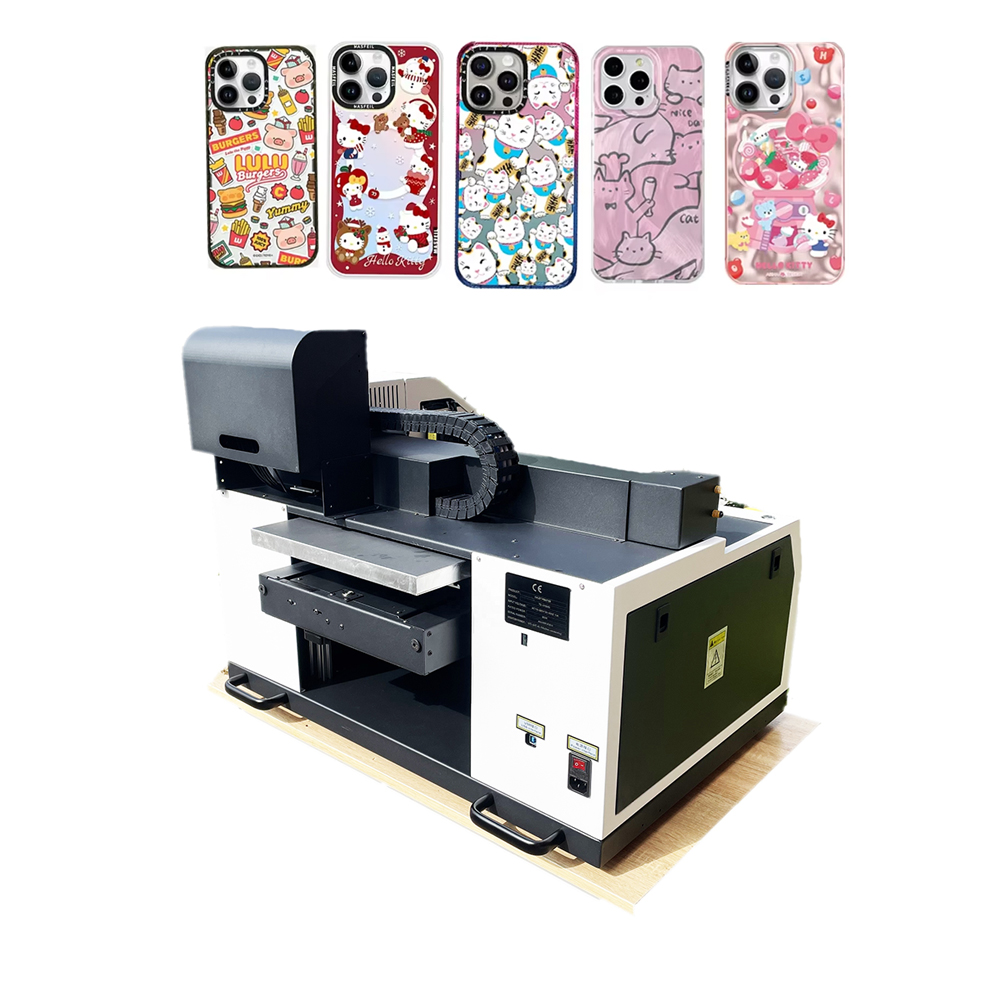
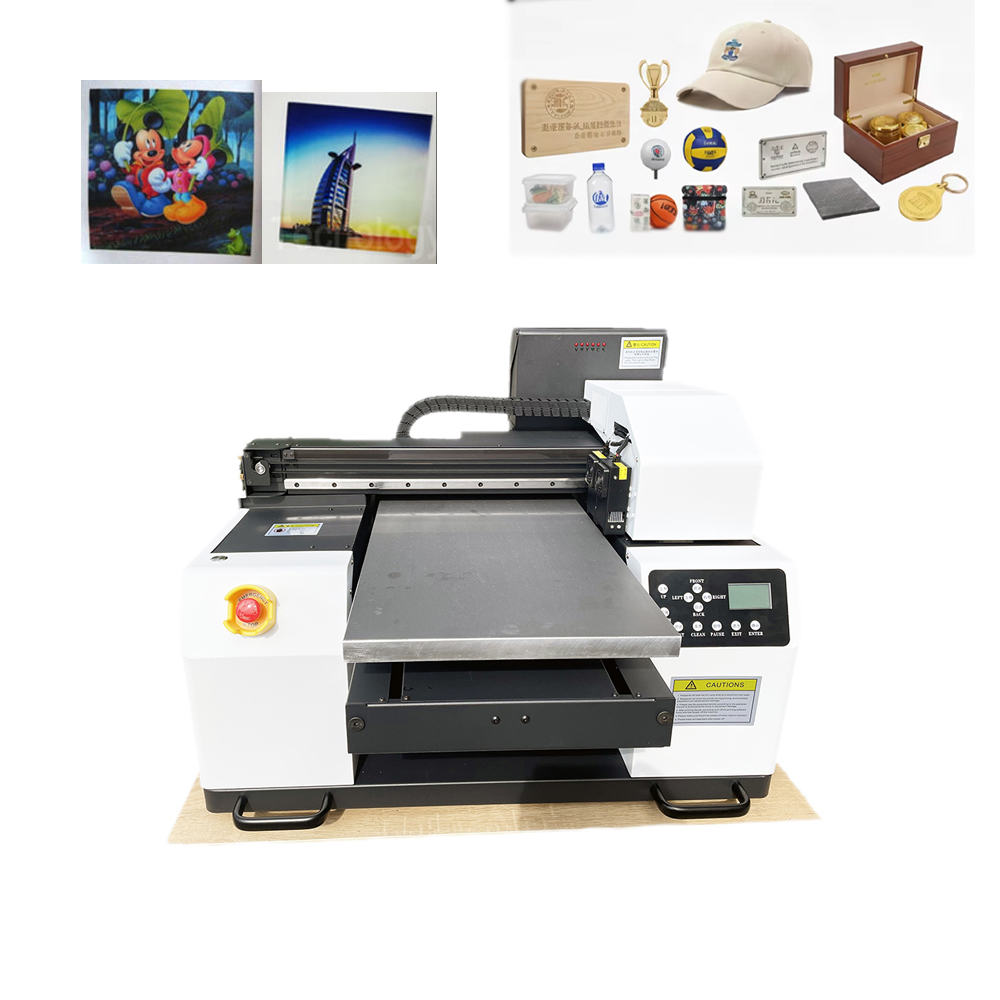
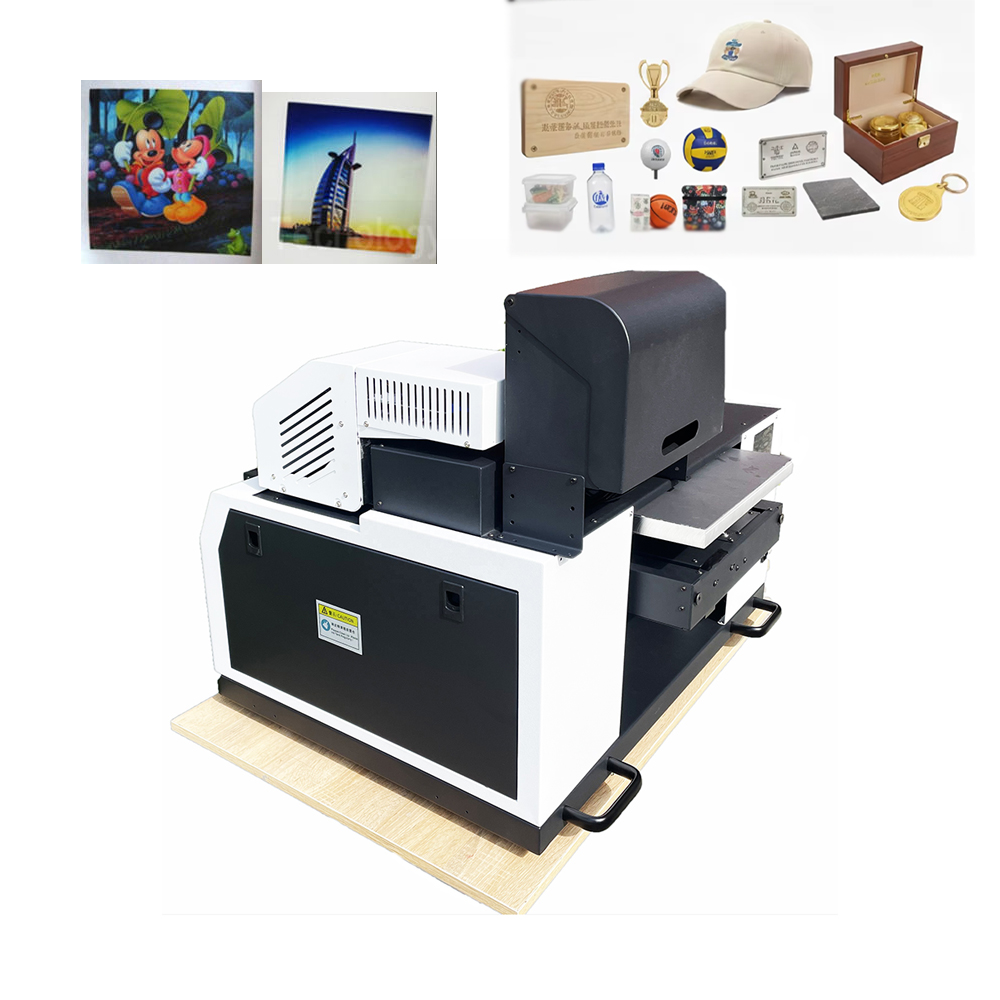
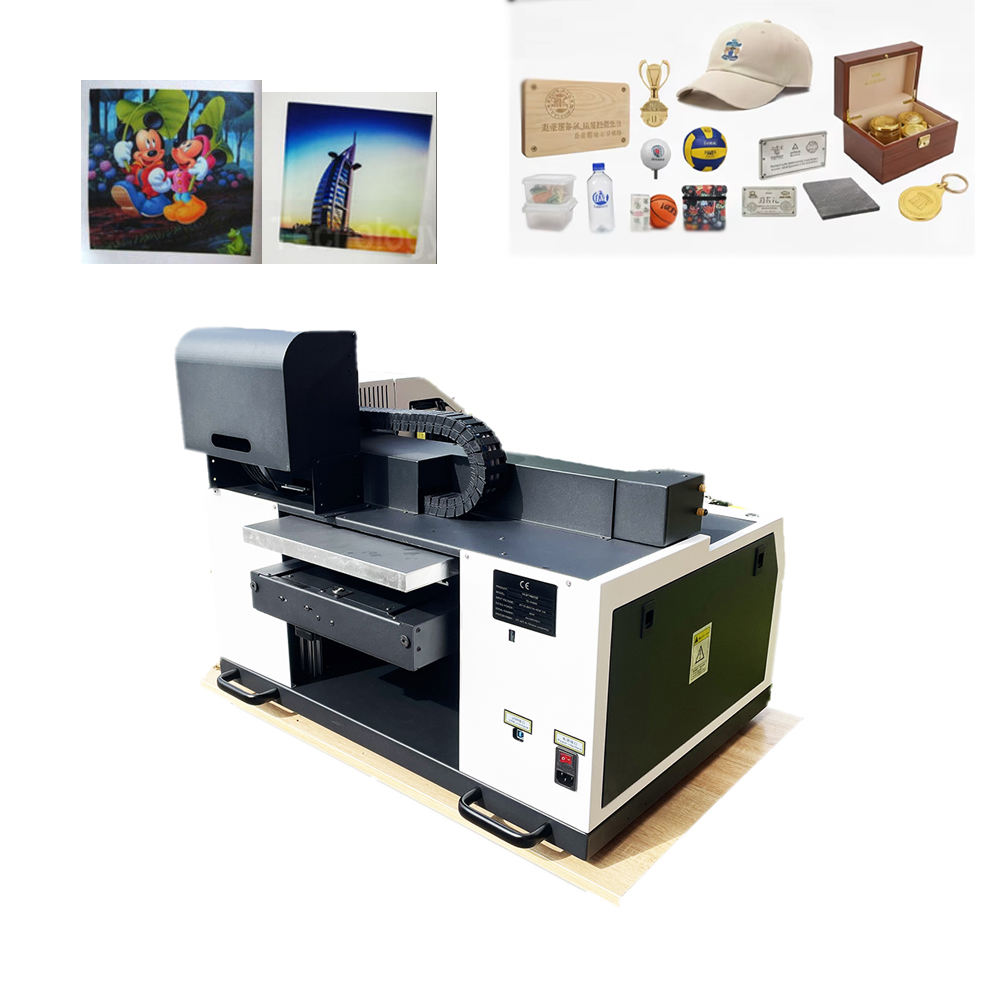
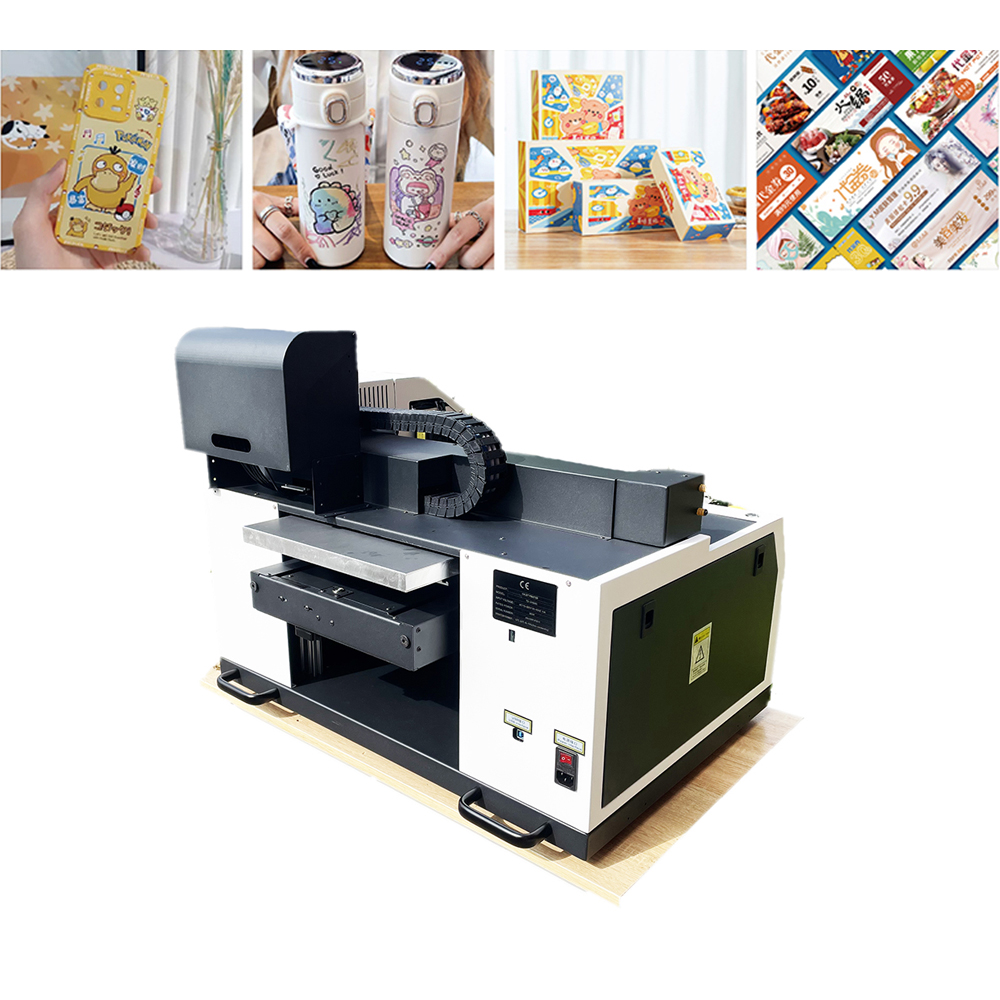
The Desktop A2/A3 Printer fits on a standard 24-inch desk, plugs into a wall outlet, and delivers gallery-quality, borderless prints up to A2 (16.5″ wide) – for a fraction of the cost of a floor-standing plotter.
Why Global Creatives, Engineers, and Entrepreneurs Are Switching
- Borderless, Bleed-to-Edge Printing
Nothing screams “amateur” like a white border on a poster or flyer. Desktop A2/A3 printers now offer full-bleed printing – ink goes edge to edge. Your photos, menus, and architectural renderings look ready for framing.
- Up to 9 Colors (Hello, Professional Gamut)
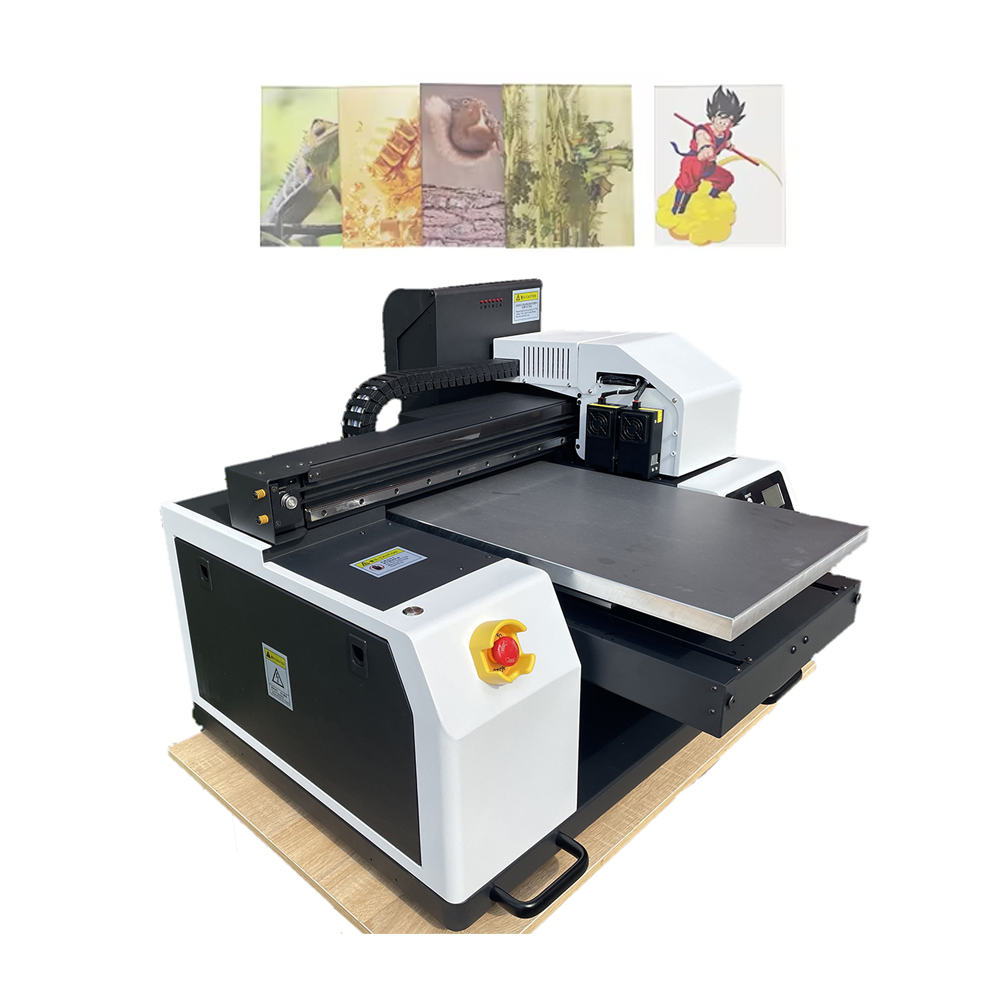
Forget standard CMYK. Many desktop wide-format printers include light cyan, light magenta, gray, photo black, matte black, red, or violet tanks. The result:
· Grayscale without green tint (crucial for black & white photography).
· Vibrant reds and oranges that pop (retail signage).
· Smooth skin tones (portrait photographers).
- Media Versatility That Shocks First-Time Buyers
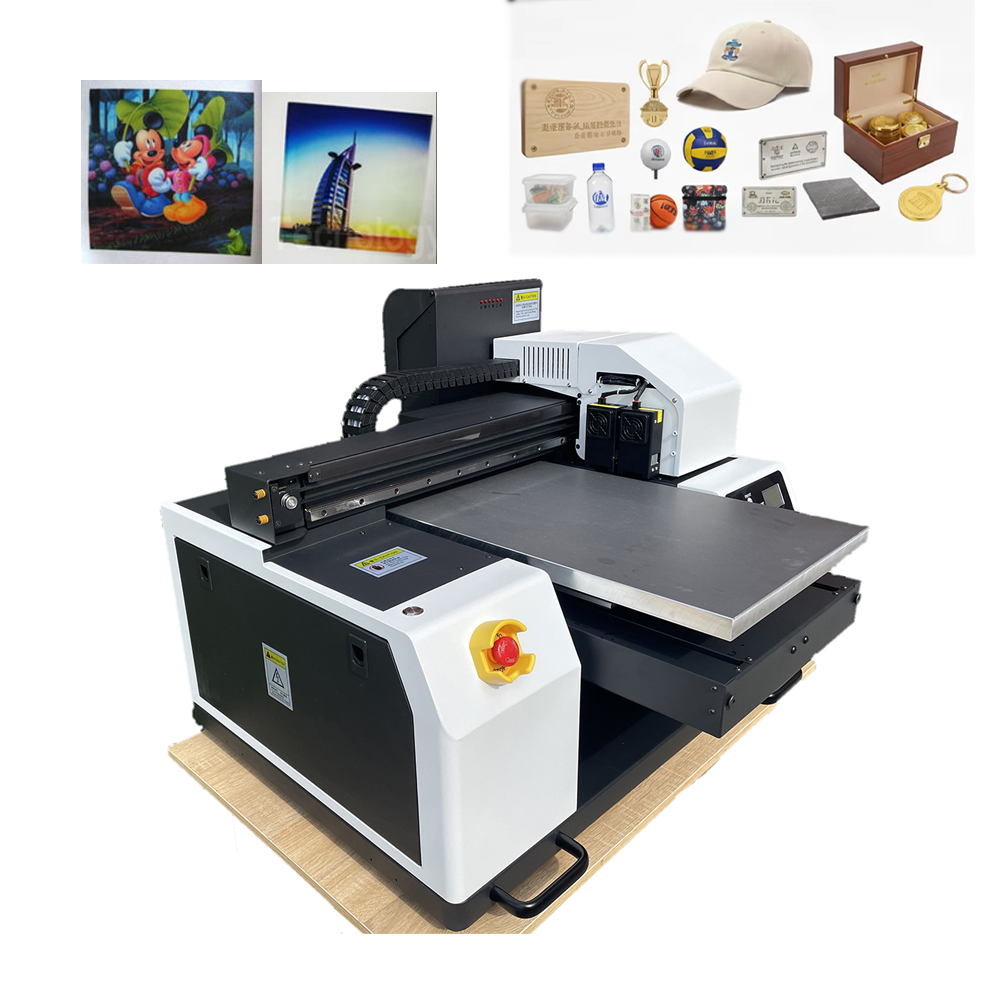
This is not copy paper. A quality A2/A3 desktop printer handles:
· Fine art papers (textured cotton rag, 300gsm+).
· Glossy photo paper (up to 1.2mm thick).
· Matte presentation paper.
· Canvas sheets (for small reproductions).
· Translucent vellum (architects and product designers).
Some models even include a rear straight-through feed for thick cardstock or vinyl sheets – no bending, no jamming.
- Wireless & Cloud-Ready for Global Teams
Modern desktop A2/A3 printers include:
· Wi-Fi, Ethernet, and USB – print from laptop, phone, or tablet.
· Apple AirPrint & Mopria – no drivers needed.
· Cloud services (Google Drive, Dropbox, OneDrive) – upload your file from Tokyo, trigger print in your New York studio.
Real-World Use Cases (Your Customers Are Already Here)
Profession How They Use A2/A3 Desktop Printing
Photographer Proof prints before sending to large-format lab. A2 size (16×23″) is perfect for client reviews.
Architect / Engineer A3 (11×17″) CAD drawings and floor plans – no plotter needed for small firms.
Graphic Designer Poster mockups, packaging prototypes, and client presentations printed in-house.
Small Retailer Window signs, A2 menu boards, and “Sale” posters – print same-day, no rush fees.
Educator / Student Classroom posters, science fair boards, portfolio submission prints.
Real Estate Agent A3 flyers with large property photos – stands out from letter-size competitors.
Desktop A2/A3 vs. The Competition: The Honest Comparison
Feature Desktop A2/A3 Printer Office Color Laser (Letter/A4) Floor-Standing Plotter (A0/A1)
Max Print Size A2 (16.5″ wide) or A3 (13″ wide) Letter (8.5″ wide) A0 (36″ wide)
Footprint 22″ x 28″ (fits on desk) 17″ x 17″ 40″ x 60″ (needs stand)
Weight 25-40 lbs 40-50 lbs 100+ lbs
Price (USD) $500 – $1,500 $300 – $800 $2,500 – $10,000+
Color Quality Photo/gallery grade (9+ inks) Office grade (4 inks) Photo grade (6-12 inks)
Borderless Print Yes (A2/A3) Rare Yes (all sizes)
Thick Media Up to 1.2mm (art paper) Up to 0.3mm Up to 1.5mm
Verdict: If you need bigger than A2 regularly, buy a plotter. If you need prints up to A2, the desktop version saves you $2,000+.
What Global Buyers Must Check Before Ordering
To attract customers from different regions, your product page must answer these questions:
- Voltage & Plug Compatibility
· 110V / 60Hz – USA, Canada, Japan, Taiwan.
· 220V / 50Hz – Europe, UK, Australia, most of Asia, Africa, South America.
· Dual voltage printer? (Some high-end models auto-switch).
- Ink Availability & Cost Per Print
· Cartridge vs. tank system: Tank systems (refillable bottles) offer lower cost per mL – crucial for high-volume users.
· Third-party ink support: Can the printer accept non-OEM cartridges? Many global customers want this option.
· Ink set: Does it come with both Photo Black and Matte Black? (You need both for mixed media).
- Driver & Language Support
· Does the printer software support Japanese, Chinese, Arabic, Spanish, French, or German?
· Are there Linux drivers? (Creative professionals often use Ubuntu or Fedora).
- Paper Sizes by Country
· A2, A3, A4 – standard in Europe, Asia, Africa, South America.
· Tabloid (11×17″) and Ledger (13×19″) – standard in USA, Canada, Philippines.
· Does the printer support both standards? Most modern A2 printers handle both.
Case Study: From Outsourcing to In-House
“I was spending $300/month on A3 poster prints for my Etsy shop – and waiting 3 days for each order. I bought a desktop A2 printer for $900. Now I print same-day, control every color, and my cost dropped to $40/month in ink and paper. The printer paid for itself in 3 months.”
— Sophie L., Digital Artist, France
Ready to Take Control of Your Large-Format Printing?
Stop paying markup. Stop waiting for couriers. Stop settling for office-sized paper.
The Desktop A2/A3 Printer puts professional, gallery-quality, borderless printing on your desk – not in a separate room.
[Shop Desktop A2/A3 Printers – Worldwide Shipping + 1-Year Warranty]
Every printer includes:
· Full set of starter ink cartridges (up to 100 A2 prints)
· Sample pack of fine art paper (A3 and A2 sizes)
· Free RIP software download for advanced color control
· 24/7 online tech support in English, Spanish, and Mandarin
