Innovative UV Printer for Precision Customizable Printing on Diverse Surfaces

Headline: Big Prints, Small Footprint: Why an A2/A3 Desktop Printer Is the Smartest Investment for Your Creative Business
Subtitle: Professional-grade prints up to 13×19 inches (A3+) or 17×22 inches (A2)—right from your desk. No warehouse needed. No seven-figure budget required.
You have the talent. You have the designs. You have customers waiting.
But every time you look at a wide-format industrial printer, your wallet winces. They cost as much as a car. They need a dedicated room. They require a technician on speed dial.
There has to be a better way.
There is. It’s called an A2/A3 desktop printer—and it’s changing the game for print-on-demand entrepreneurs, graphic designers, sign makers, and small print shops from São Paulo to Seoul.
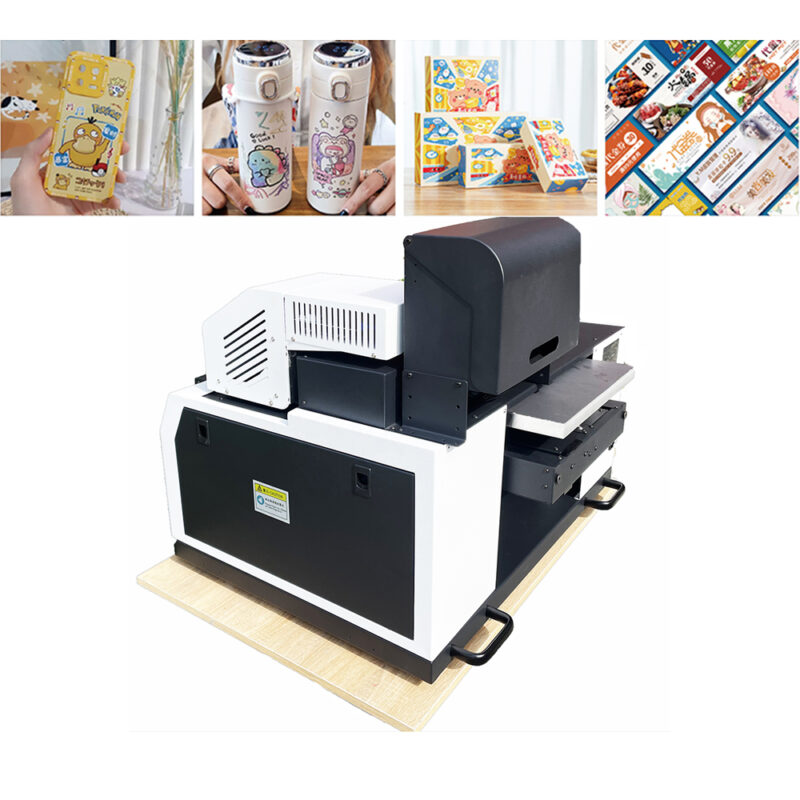
What Is an A2/A3 Desktop Printer?
Let’s clarify the sizes:
· A3 (11.7 x 16.5 inches / 297 x 420 mm) – Perfect for posters, menus, magazine layouts, and medium-format art prints.
· A2 (16.5 x 23.4 inches / 420 x 594 mm) – Ideal for large posters, architectural drawings, retail displays, and oversized photography.
A desktop version means the entire printer sits on a standard table. No forklift. No special electrical work. Just plug, load paper or roll media, and print.
Depending on the technology, these printers can be:
· Sublimation printers (for polyester fabrics, mugs, phone cases, and apparel)
· Eco-solvent printers (for outdoor stickers, vehicle decals, and banners)
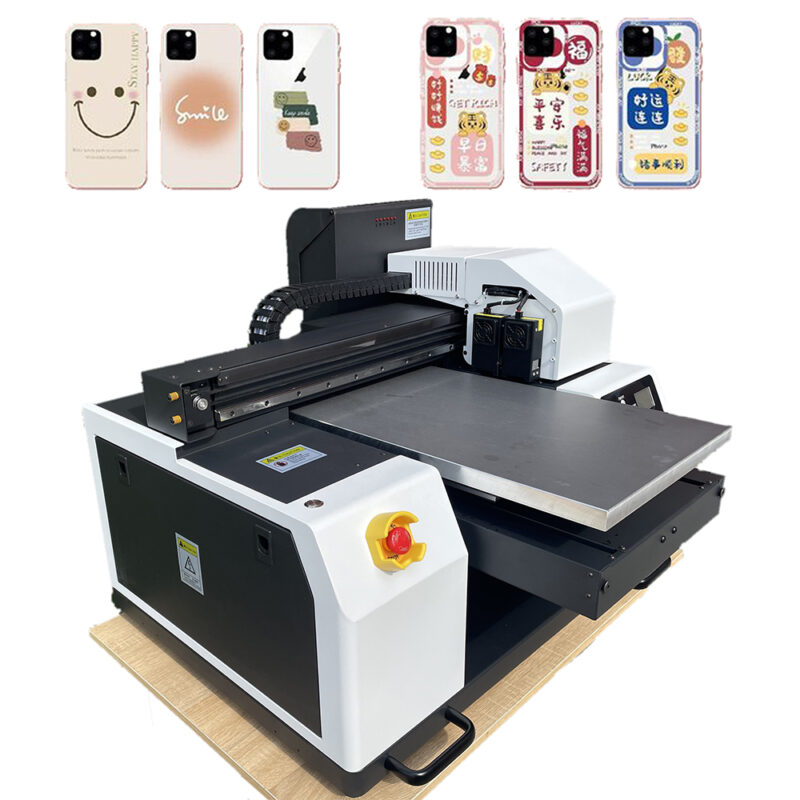
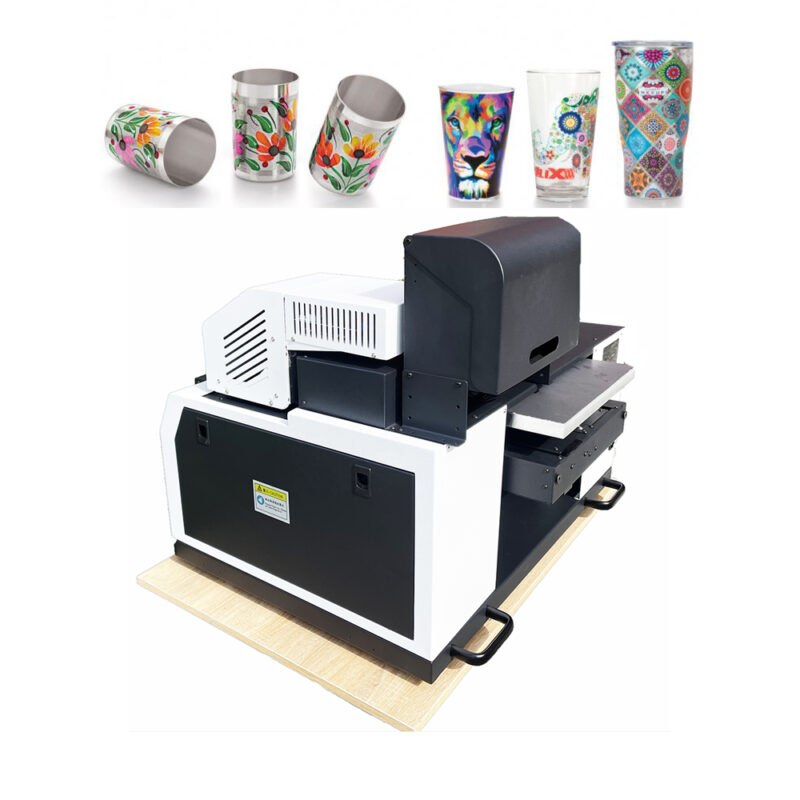
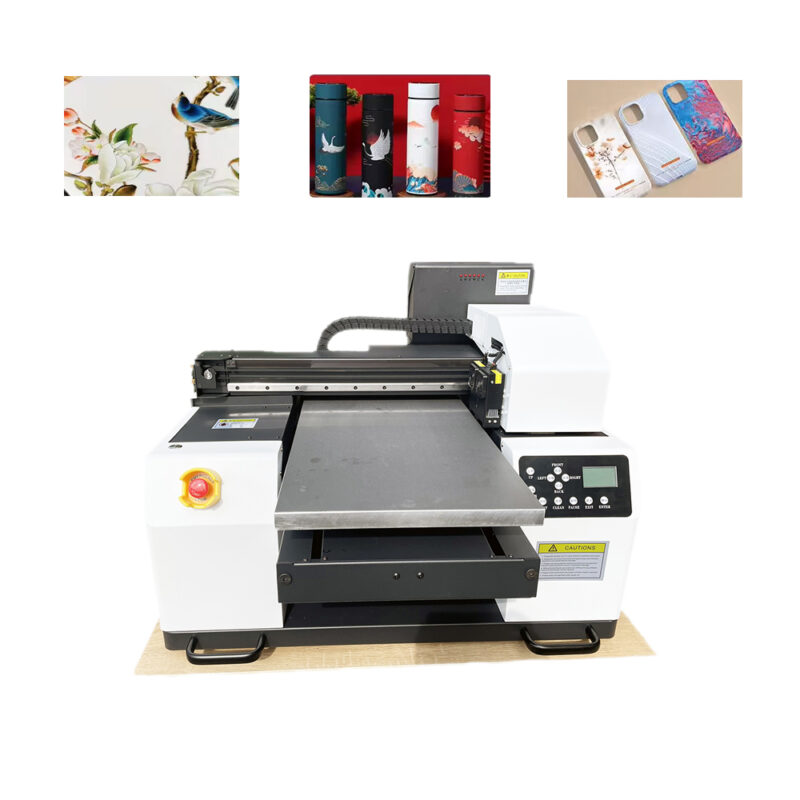
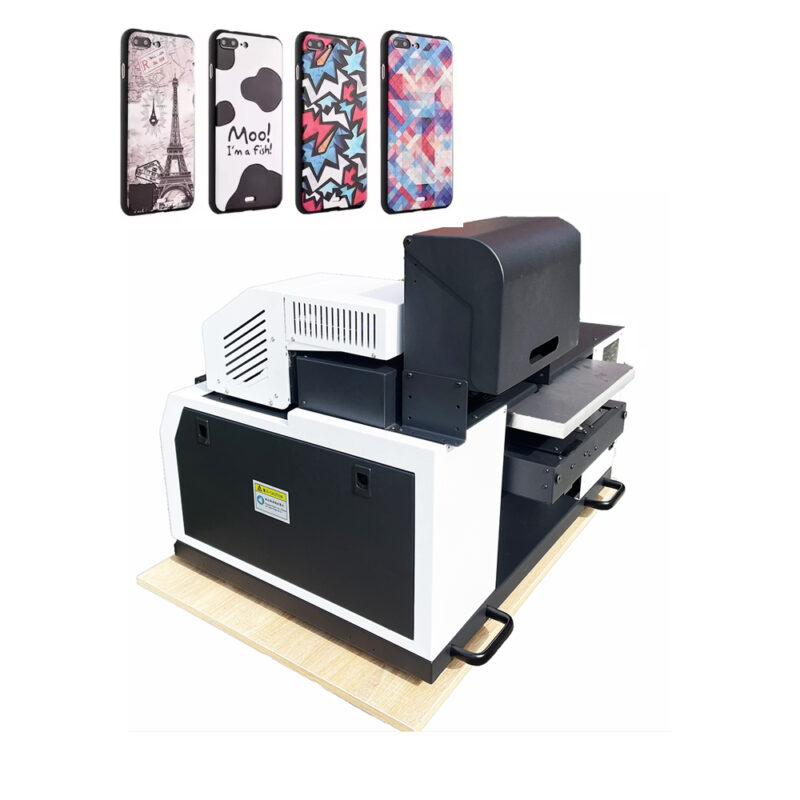
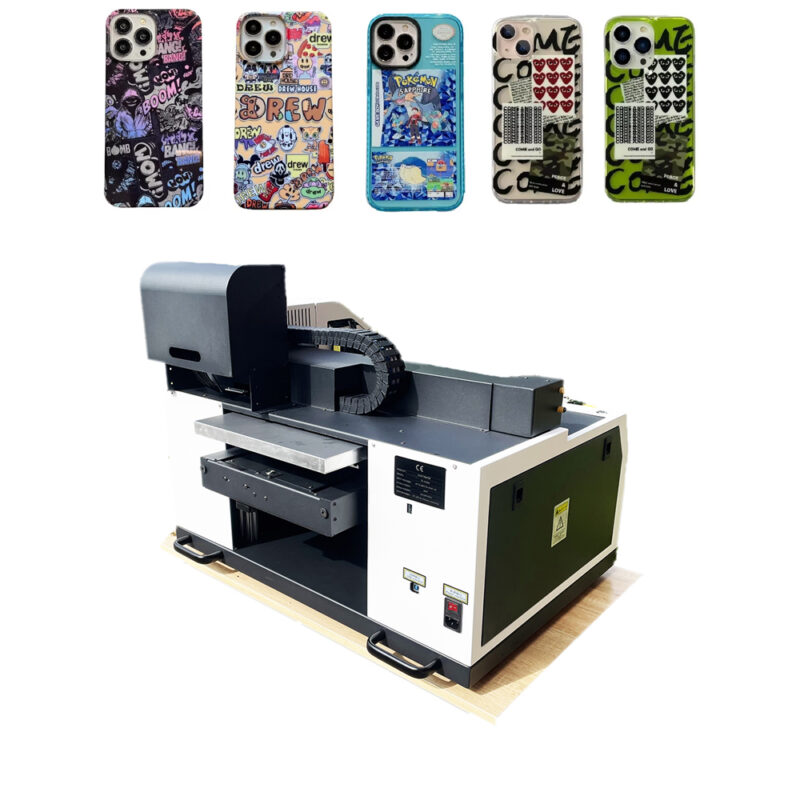
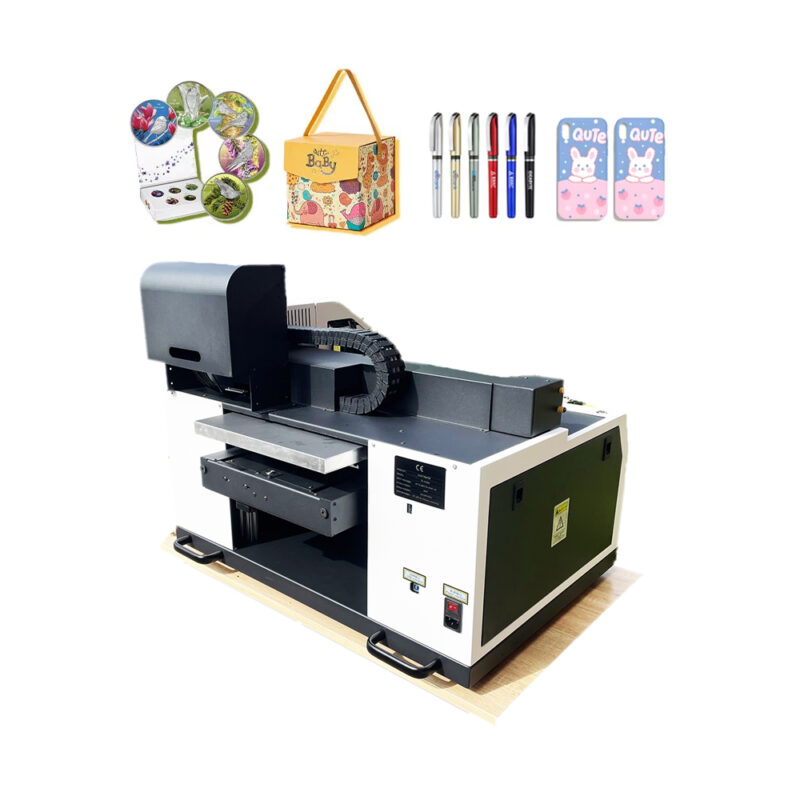
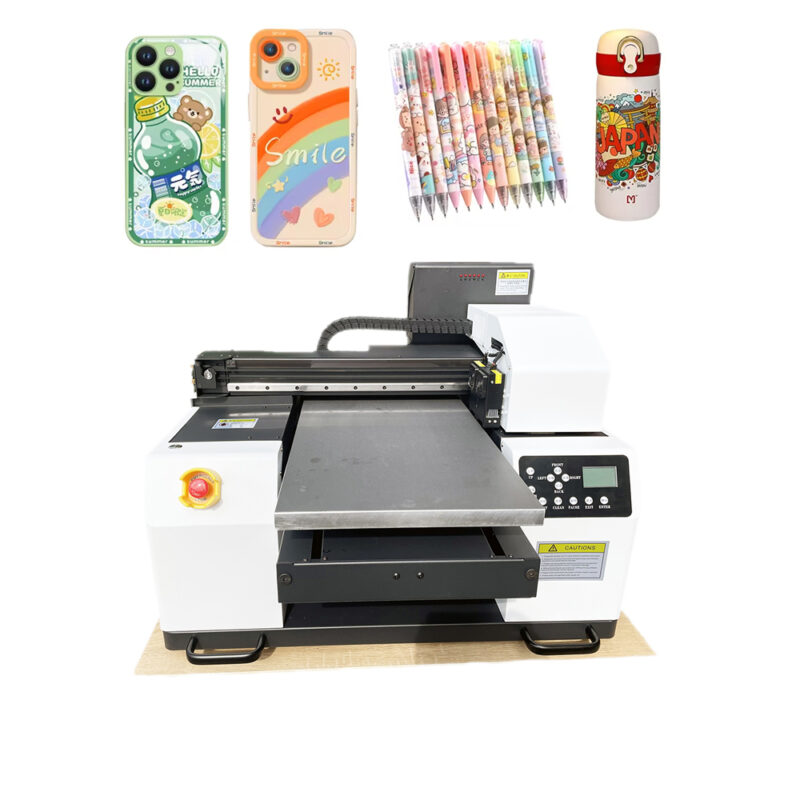
· UV flatbed or roll printers (for rigid materials like wood, acrylic, glass, or leather)
· High-end pigment inkjet (for fine art, gallery prints, and archival documents)
Why Global Customers Are Ditching Big, Expensive Machines for A2/A3 Desktops
- You Don’t Need a Factory Anymore
In the past, “large format” meant a 300-pound machine in a leased warehouse.
Now, a graphic designer in a Tokyo apartment can print A2 posters. A mug maker in a Mexico City home studio can sublimate A3 sheets. A sticker seller in rural Kenya can run an eco-solvent desktop printer from a spare bedroom.
The barrier to entry just disappeared.
- Lower Risk = Faster Growth
Big commercial printers cost $10,000–$50,000. One bad season, and you’re underwater.
A quality A2/A3 desktop printer costs $500–$3,000. You can test new product lines (posters, apparel transfers, sticker sheets, canvas wraps) without betting the business. If one niche slows down, pivot to another the same day.
- Professional Quality, Not “Home Office” Quality
Don’t confuse “desktop” with “cheap.”
Modern A2/A3 printers deliver:
· 1200–2880 DPI resolution (museum-grade detail)
· Fade-resistant inks (up to 200+ years for archival pigment)
· Accurate color management (Pantone matching, ICC profiles)
· Media versatility (fine art paper, vinyl, polyester film, canvas, even rigid boards on flatbed models)
Your customers won’t know you printed it from your desk. They’ll only see stunning quality.
- Fast Turnaround for Local & Global Orders
An e-commerce customer in London orders five A3 art prints at 8 PM.
With an industrial printer, that order would wait until morning for the “big machine” to warm up.
With a desktop A2/A3 printer:
· 8:05 PM – Load paper
· 8:10 PM – Hit print (under 3 minutes per copy)
· 8:20 PM – Trim, bag, label
· 8:30 PM – Ready for courier
Same-day fulfillment wins repeat customers worldwide.
- Ridiculously Low Per-Print Costs
Let’s do the math (USD approximations):
· A3 fine art print on luster paper: $0.35 in ink + $0.40 in paper = $0.75 total cost. Sell for $12–$25.
· A2 poster on matte paper: $0.90 in ink + $1.20 in paper = $2.10 cost. Sell for $30–$60.
· A3 sublimation transfer for a t-shirt: $0.50 in ink + $0.30 in transfer paper = $0.80 cost. Add a $3 shirt and press = under $5 total. Sell the shirt for $30.
Margins of 300–800% are normal. That’s not a side hustle. That’s a serious business.
- Global Compatibility
Most desktop A2/A3 printers are designed for worldwide use:
· Voltage: 110–240V (no transformer needed)
· Languages: On-screen menus in English, Spanish, Chinese, Arabic, etc.
· Ink availability: Cartridges or bulk systems shipped internationally
· Support: Online troubleshooting, video tutorials, and global parts distribution
You can buy the machine in one country, ship it to another, and be printing within an hour.
Which A2/A3 Printer Should You Buy? (By Use Case)
For Sublimation (Apparel, Mugs, Phone Cases, Puzzles)
· Top picks: Epson SureColor F170 (A3), Epson F570 (A2), Sawgrass Virtuoso SG500 (A3)
· Why: Dedicated sublimation inks, no nozzle clogging, easy heat press integration
For Stickers, Decals, & Outdoor Signs (Eco-Solvent)
· Top picks: Roland BN-20 (A2, desktop-sized but legendary), Mimaki UJF-3042 (small flatbed), or converted Epson P800 with eco-solvent
· Why: Weatherproof, scratch-resistant, sticks to vinyl, windows, and vehicles
For Fine Art & Photography (Pigment Ink)
· Top picks: Canon imagePROGRAF PRO-300 (A3), PRO-1100 (A2), Epson SureColor P900 (A3/A2)
· Why: Archival inks, black-and-white excellence, wide color gamut
For Rigid Materials (Wood, Acrylic, Metal, Glass)
· Top picks: Any A2/A3 UV flatbed (like the Anet or Printoso desktop models)
· Why: Prints directly on objects up to 2 inches thick. No transfer paper. No heat press.
“Is A2/A3 big enough?”
Most products that sell online fit under A3 (magazines, art prints, menus, transfer sheets). A2 covers posters, retail signage, and large art. If you need billboards, buy a 60″ printer. For 90% of small businesses, A2/A3 is the sweet spot.
“Will shipping be expensive for international customers?”
No. A2 prints roll into a 3-inch tube. A3 prints fit flat in a rigid mailer. Shipping costs remain low, even across oceans.
“What about maintenance?”
Desktop printers are designed for non-technical users. Automated nozzle cleaning, replaceable printheads, and YouTube repair guides mean you rarely need a technician.
