Power, Small Footprint: Why the Desktop A2/A3 Printer is the Smartest Investment for Global Creators

The Global Challenge: “I Have the Orders, But I Don’t Have the Space”
You’ve seen the demand. Customers everywhere—from Berlin to Brisbane—want personalized products. T-shirts. Mugs. Phone cases. Canvas prints. Pet portraits on pillows.
But industrial printers? They’re massive, expensive, and designed for factories, not for small businesses, startups, or home studios.
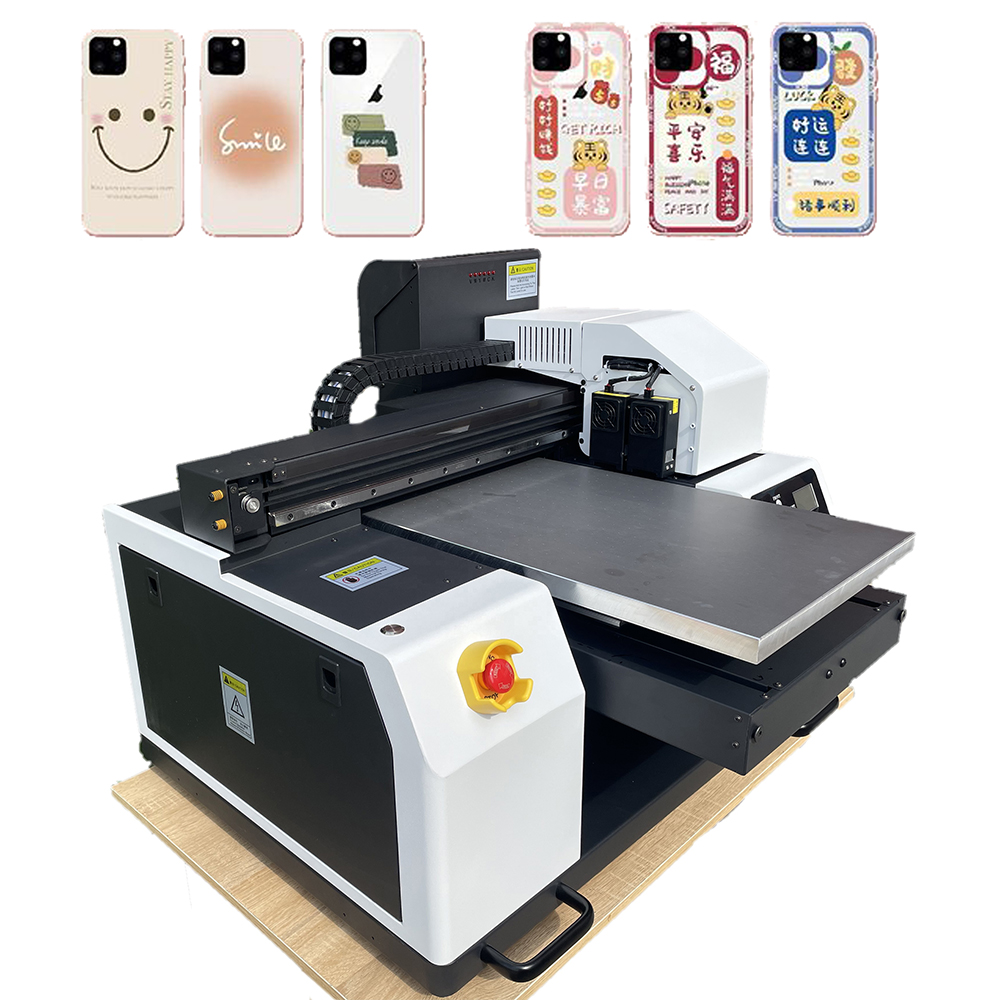
Enter the Desktop A2/A3 Printer. The perfect bridge between “hobby” and “high-volume.” Compact enough to sit on a desk. Powerful enough to run a global print-on-demand empire.
Whether you’re printing DTF transfers, sublimation papers, or direct-to-product films, a desktop A2/A3 printer gives you professional-grade output without the factory-sized commitment.
What Does A2/A3 Mean for Your Business?
First, let’s talk size. Most home printers are A4 (letter size). That’s too small for t-shirt transfers, 11oz mugs, or hoodie designs.
· A3 (11.7″ x 16.5″) – Fits most garment transfers, large decals, and tabletops.
· A2 (16.5″ x 23.4″) – Fits hoodie backs, multiple mugs in one pass, and large format posters.
With A2/A3 capability, you stop saying “Sorry, that design is too big.” Instead, you say “Yes, we can do that—and it’ll look stunning.”
Why Global Buyers Are Switching to Desktop A2/A3 Printers
- Industrial Quality, Desktop Price
You don’t need a $20,000 machine to produce $20,000/month in revenue. Modern desktop A2/A3 printers (converted from reliable Epson or Brother engines) deliver:
· High resolution: Up to 5760 x 1440 DPI for sharp text and smooth gradients.
· Vibrant color: 6+ color channels (including white and neon options for DTF).
· Speed: Enough for 50–100 prints per day—perfect for a growing business.
- Fits Anywhere, Ships Anywhere
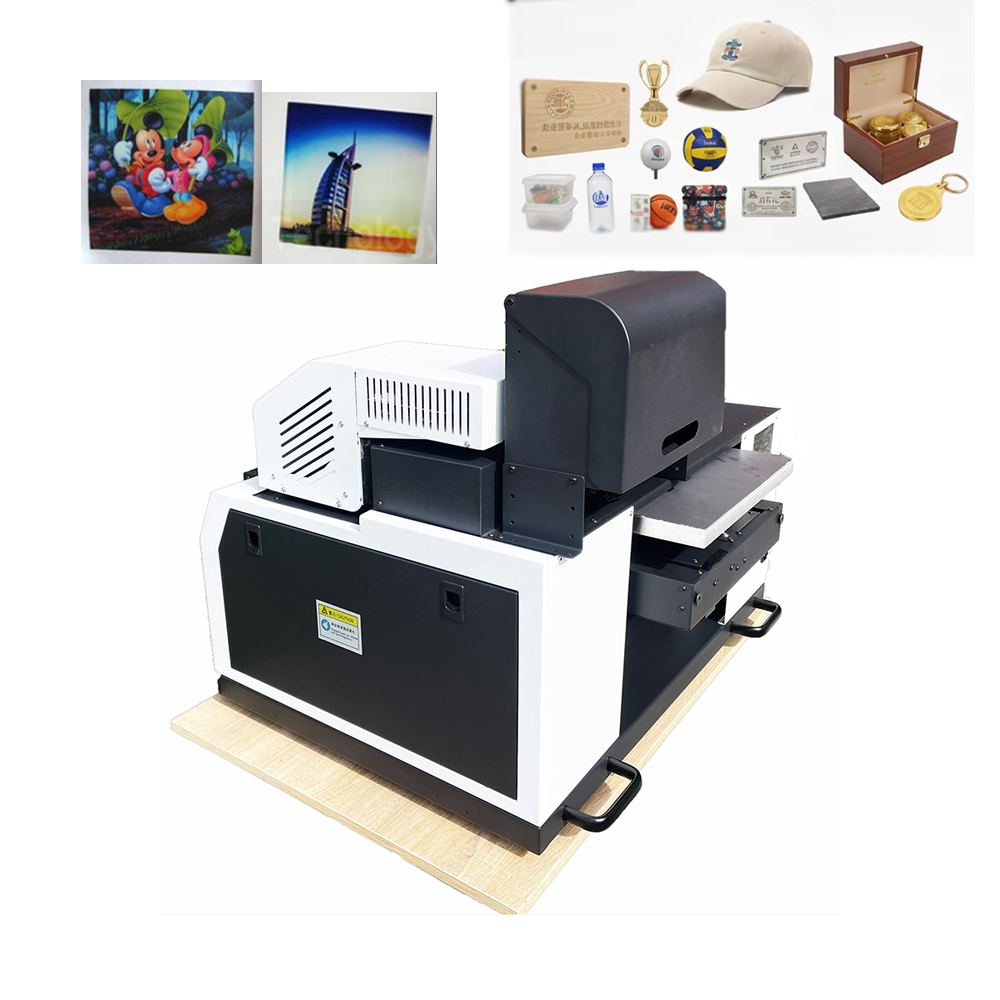
Whether you’re in a Tokyo apartment, a London studio, or a rural Australian shed, a desktop A2/A3 printer works. No special electrical upgrades. No ventilation systems. No concrete flooring.
· Footprint: Approximately the size of two office monitors.
· Weight: Typically 20–30 kg (44–66 lbs)—movable by one person.
· Plug & Play: Standard 110V–240V power.
- Versatility = More Products = More Customers
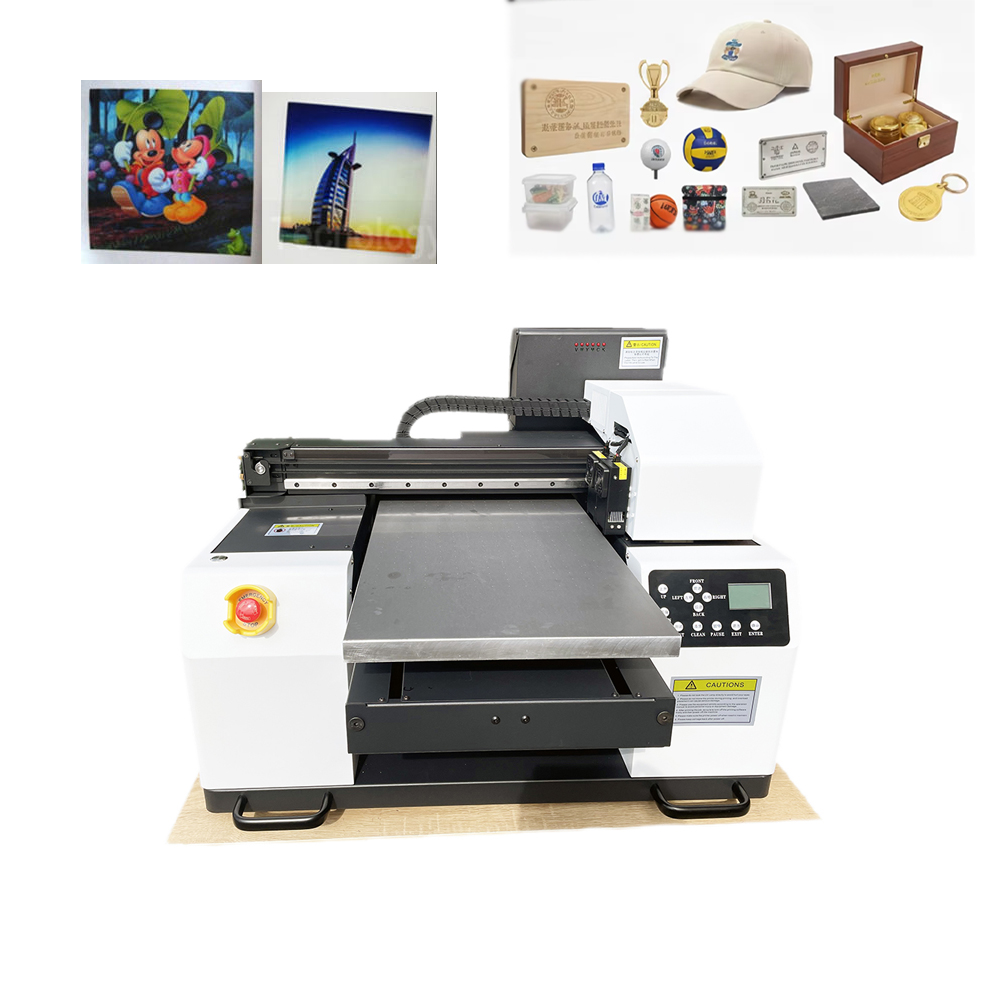
With the right inks, a single desktop A2/A3 printer can serve multiple markets:
Ink Type Products You Can Sell
DTF (CMYK+White) T-shirts, hoodies, tote bags, denim, leather, nylon
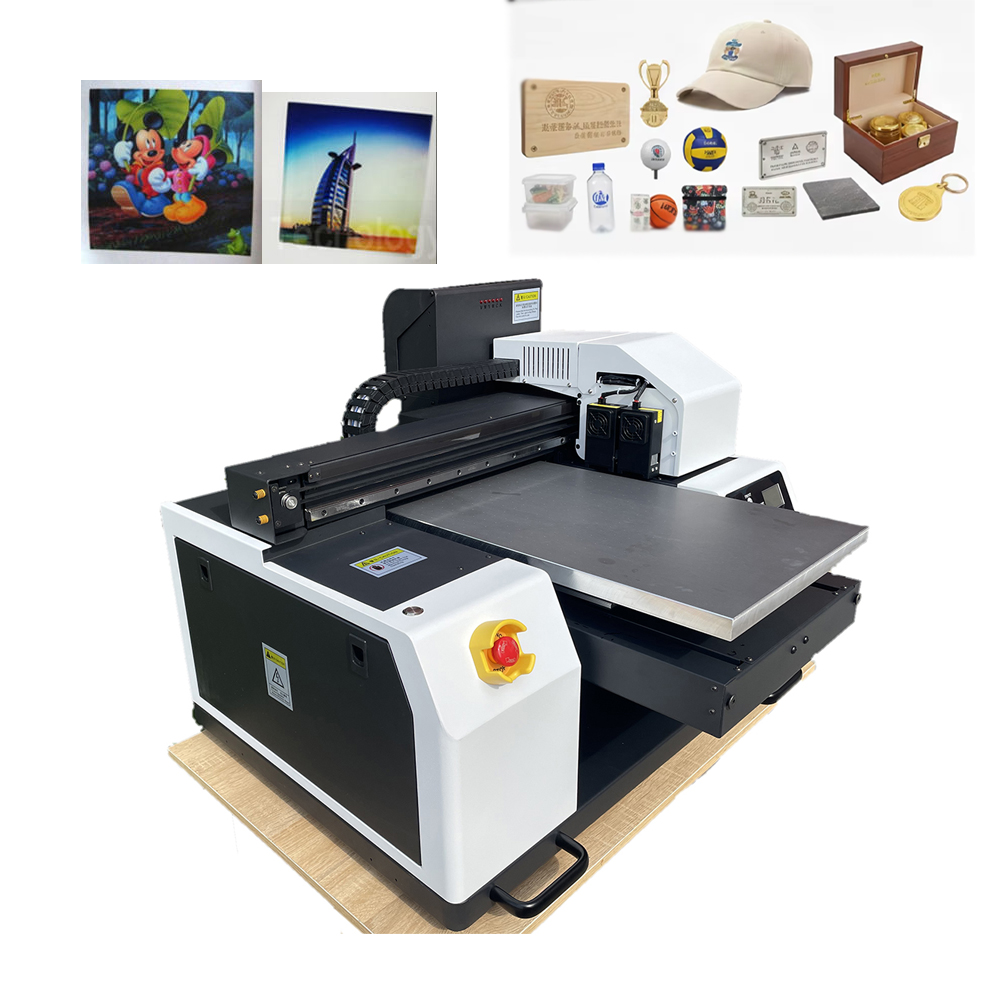
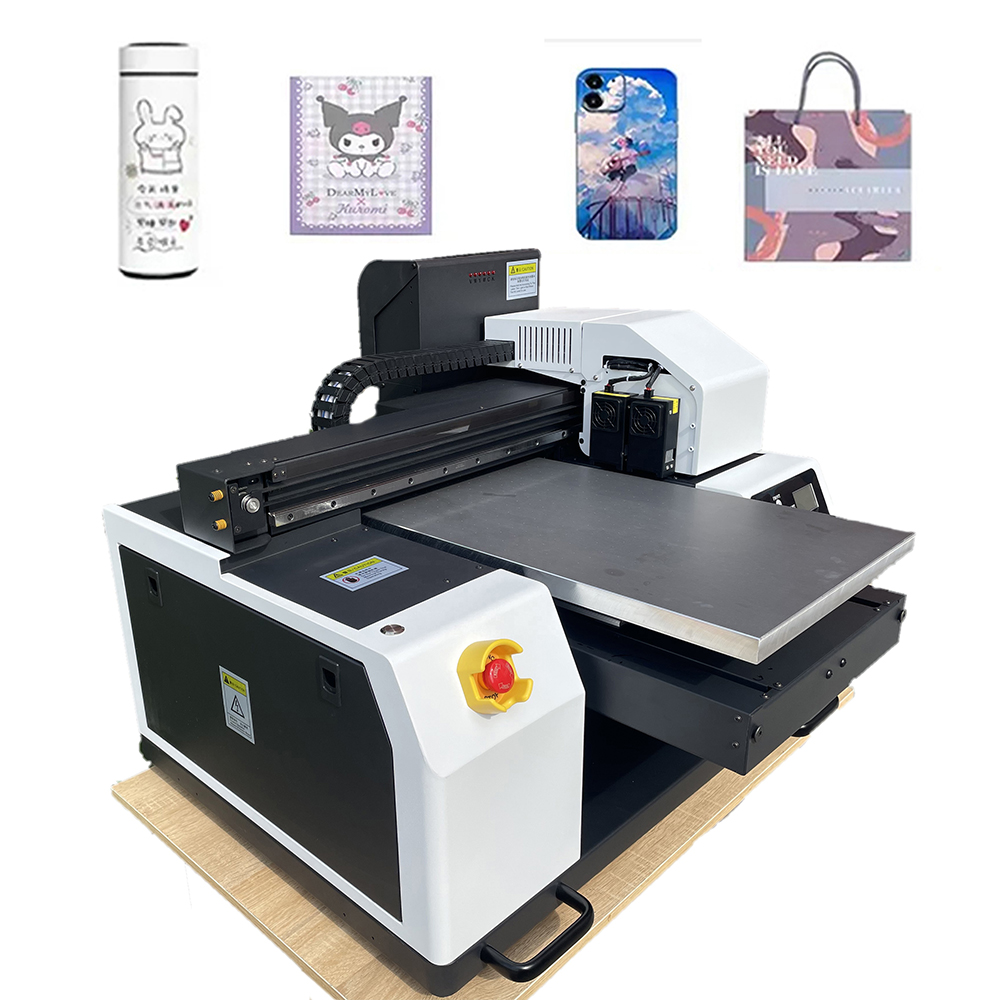
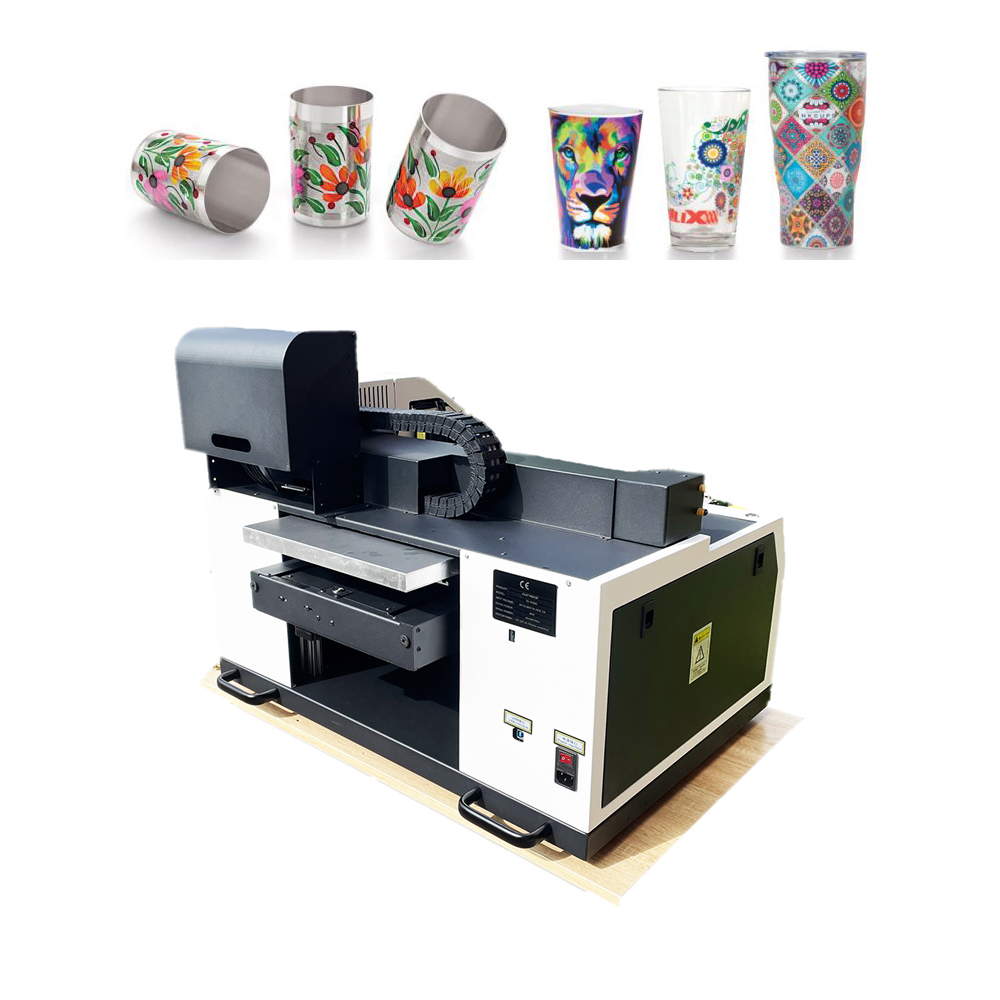
Sublimation Polyester shirts, mugs, phone cases, mouse pads, puzzles, metals
Pigment (Direct) Fine art prints, greeting cards, stickers, canvas
UV (with curing) Rigid objects: wood, acrylic, glass, metal (small flat items)
One printer. Multiple revenue streams. Global appeal.
- Low Entry Cost, High Profit Margin
For under $2,000–$5,000 (depending on configuration), you can start a professional print business. Compare that to industrial printers starting at $20,000. Your break-even point drops from “months” to “weeks.”
· Per-print cost (DTF): As low as $0.50–$1.50 for an A3 transfer.
· Selling price: $5–$15 per transfer or $20–$40 for a finished garment.
Who Is This Printer For? (Your Global Target Market)
The Print-on-Demand Starter:
You have an Etsy or Shopify store. You want to bring production in-house to increase margins and control quality. A desktop A2/A3 DTF or sublimation printer is your perfect first machine.
The Small Gift Shop Owner:
You already sell mugs, keychains, or custom shirts. You’re tired of outsourcing. Bring production home and turn same-day orders into same-day revenue.
The Graphic Designer / Artist:
Your clients want their art on products. Instead of sending them to a third-party printer (and losing control), print your own transfers or fine art prints on demand.
The Promotional Products Reseller:
Corporate clients need 50 branded hoodies, 100 coffee mugs, and 200 tote bags. A desktop A2/A3 printer handles small-to-medium runs profitably—no screen fees, no minimums.
What to Look for When Buying a Desktop A2/A3 Printer (Global Buyer’s Guide)
Not all desktop printers are equal. To attract worldwide customers and keep them happy, demand these features:
· Reliable Ink System: Continuous Ink Supply System (CISS) or refillable cartridges. Avoid expensive OEM cartridges that kill your margins.
· White Ink Capability (for DTF): Requires automatic ink circulation to prevent clogging. Non-negotiable for printing on dark garments.
· Heated Bed (optional): For direct-to-product printing (e.g., rigid substrates like wood or acrylic).
· Software Compatibility: Works with industry-standard RIP software (e.g., AcroRIP, Kothari, CADlink) for color management and white ink layering.
· Global Support & Spare Parts: Buy from a supplier that ships worldwide and offers video support, spare print heads, and maintenance kits.
Maintenance Tips for Longevity (Even for Beginners)
A desktop A2/A3 printer is durable, but it needs love:
· Print weekly (even a nozzle check) to prevent drying.
· Use quality ink and film—cheap supplies clog heads and waste money.
· Keep dust away (cover when not in use).
· Follow your supplier’s white ink shaking schedule (for DTF models).
Case Study: From Bedroom to Global Exports
“I started with an A3 DTF printer in my spare bedroom. Six months later, I was shipping transfers to print shops in Canada, Ireland, and Singapore. The machine paid for itself in the first two months. I can’t believe I ever outsourced.”
— Priya K., “Ink & Press Studio”
The Bottom Line: Start Small. Think Global.
You don’t need a warehouse or a bank loan to enter the $10+ billion custom apparel and gift market. You need the right tool—a desktop A2/A3 printer that delivers professional quality from a compact footprint.
One machine. Hundreds of products. Thousands of potential customers worldwide.
Your desk is now a factory. Your imagination is the only limit.
