Factory Price 9060 Uv Flatbed Printer Treatment Direct Print

Title: Start Small, Print Big – Why the 9060 UV Printer Is the World’s Favorite Entry-Level Flatbed
Subtitle: 90cm x 60cm of rigid-material printing power. Print on acrylic, metal, wood, glass, leather, ceramic, and more – from your garage, spare room, or small shop. Affordable. Compact. Profitable.
The Entry-Level Problem
You want to start a custom printing business. But:
· Industrial UV printers – Cost $20k–80k, need a warehouse
· Outsourcing – Kills margins, slow turnaround, no quality control
· Desktop printers – Too small for real products (phone cases only)
The 9060 UV printer solves this.
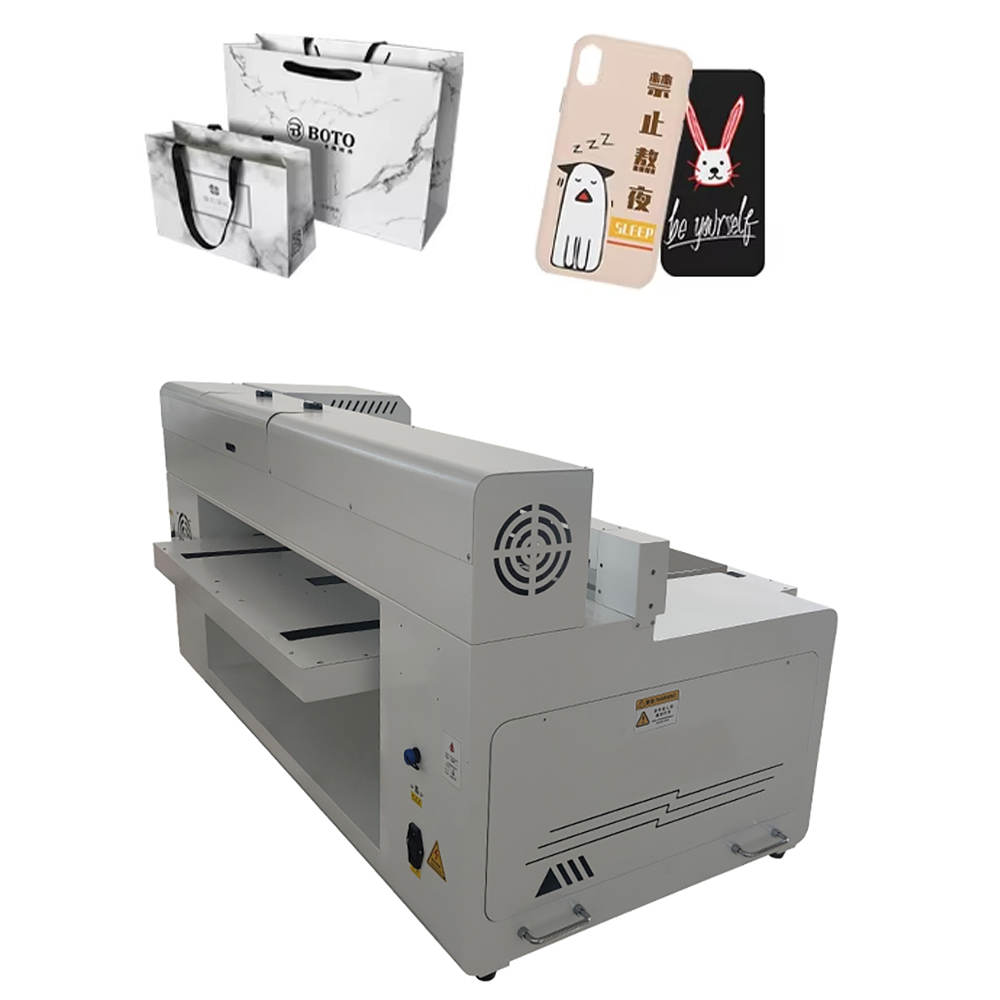
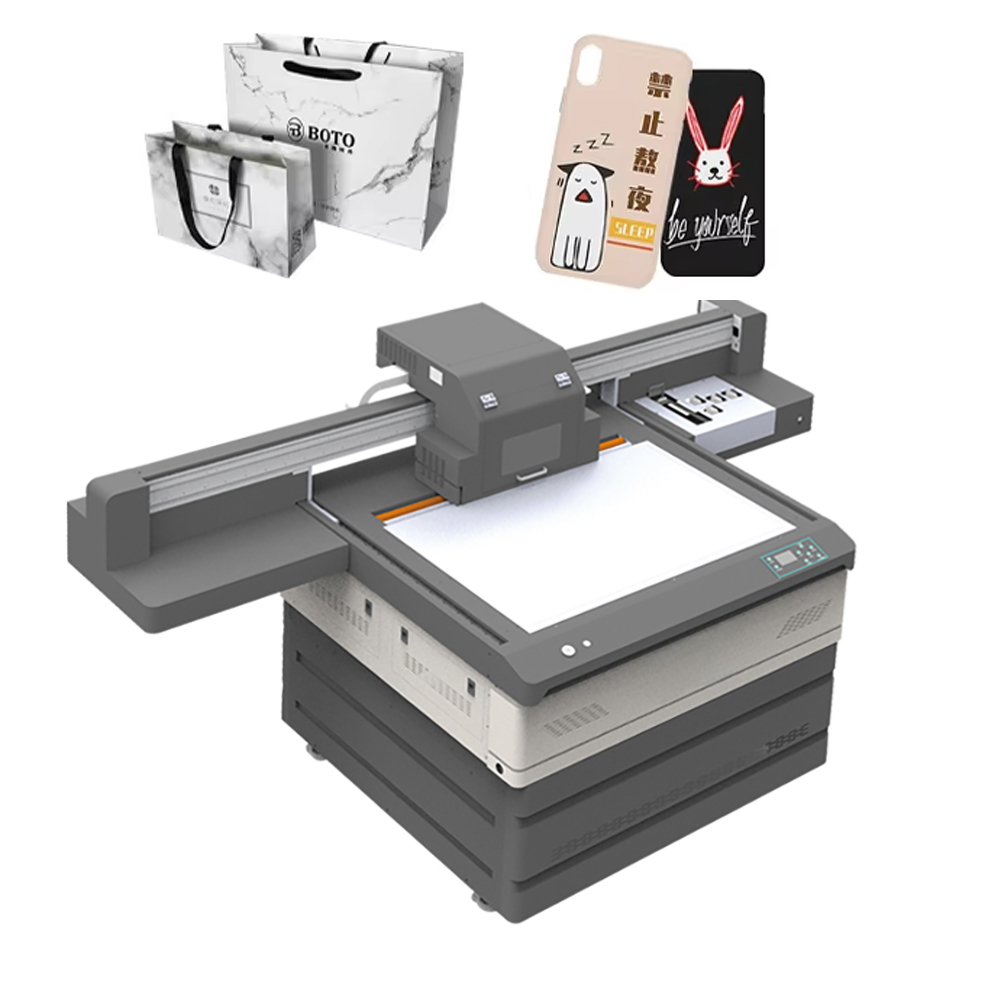
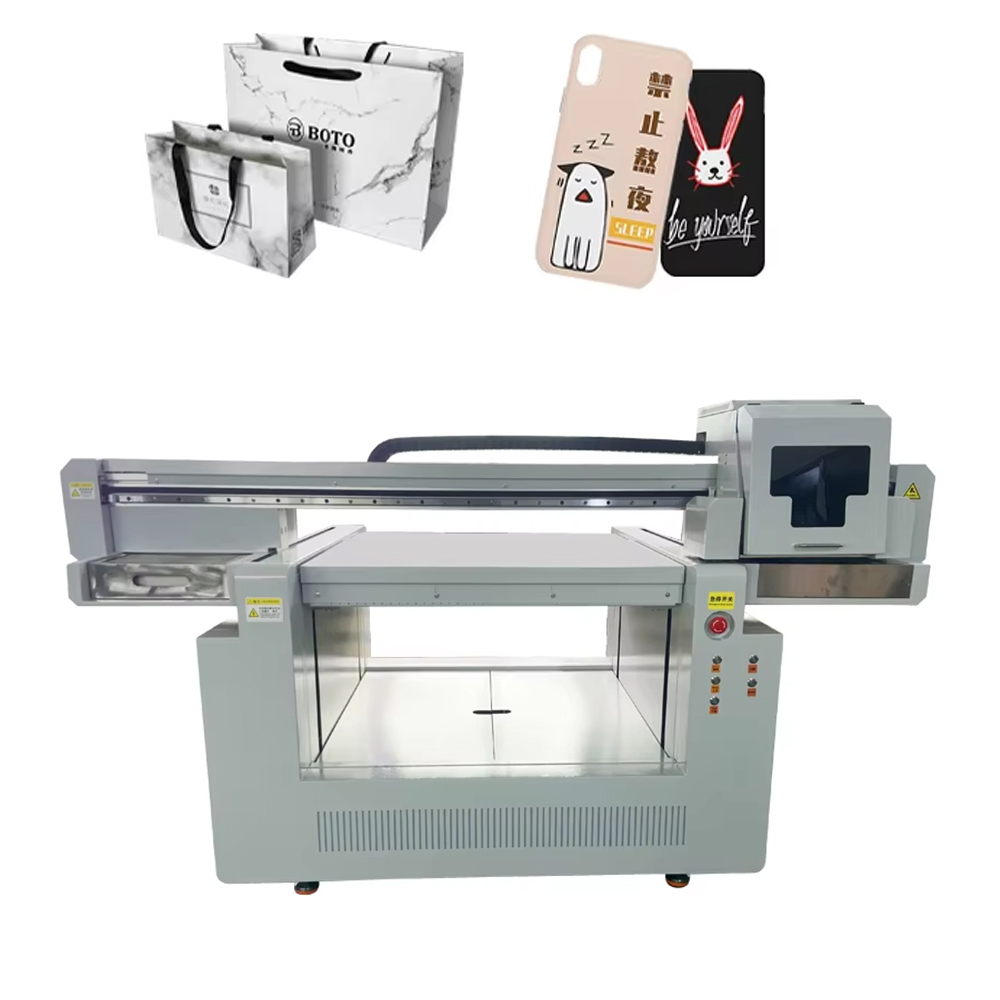
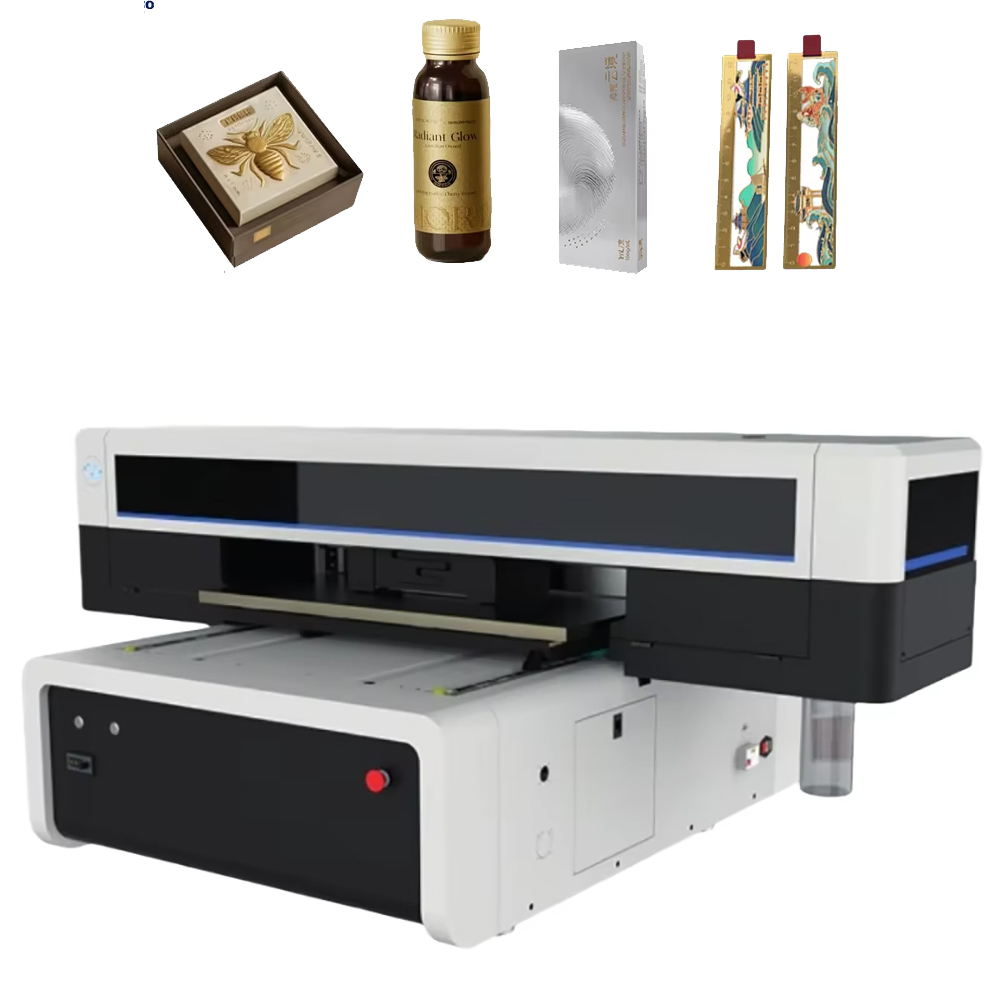
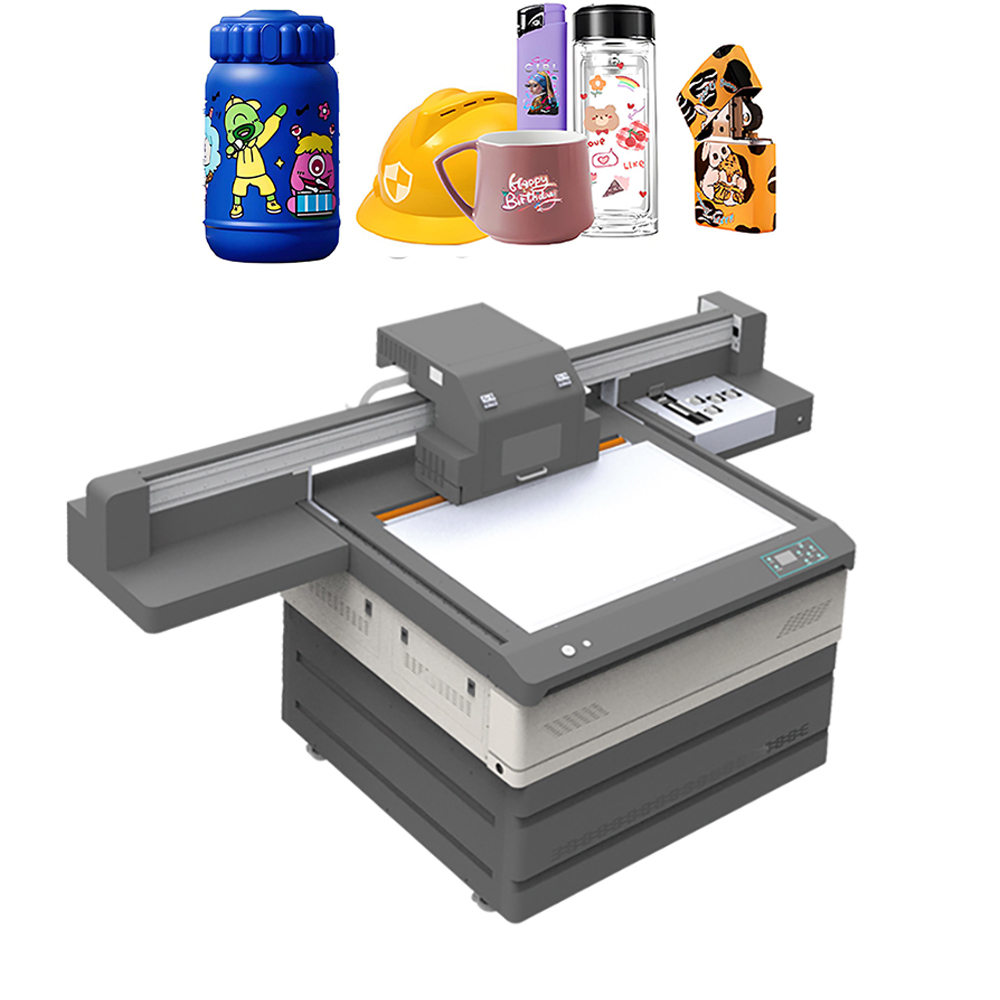
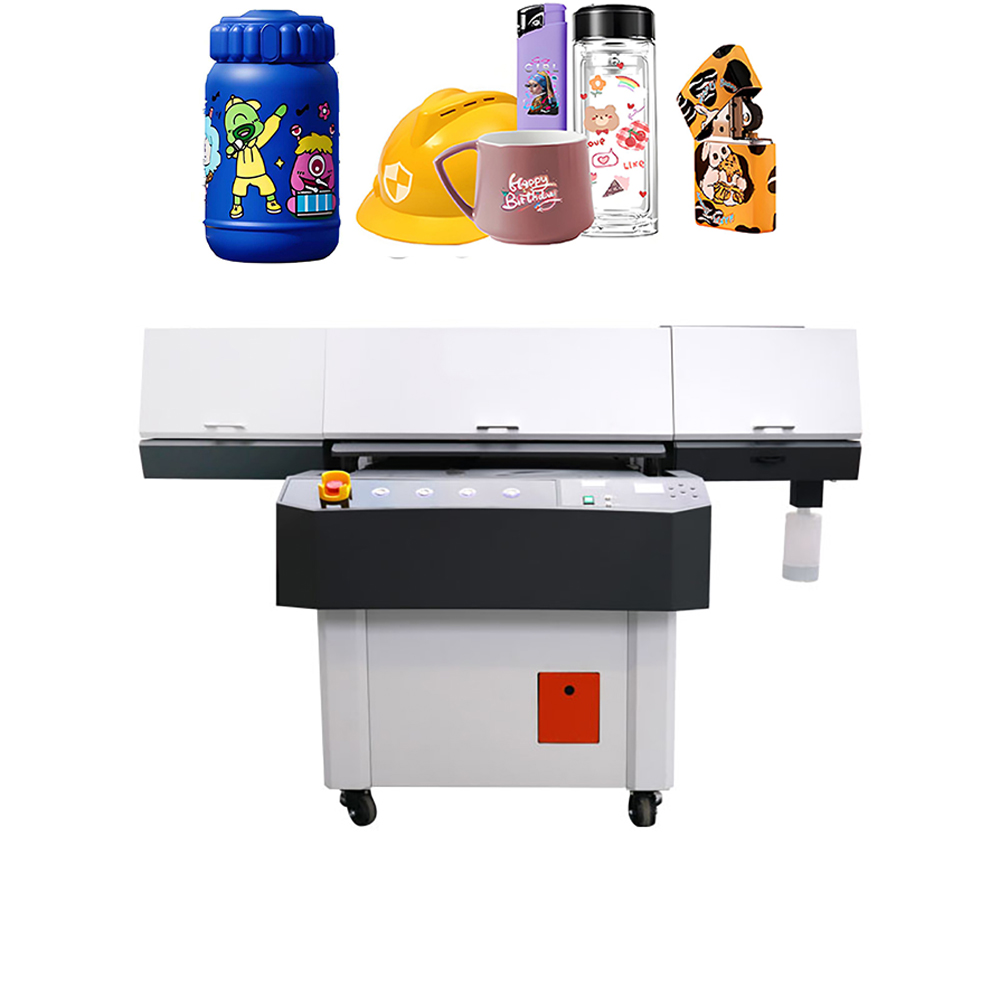
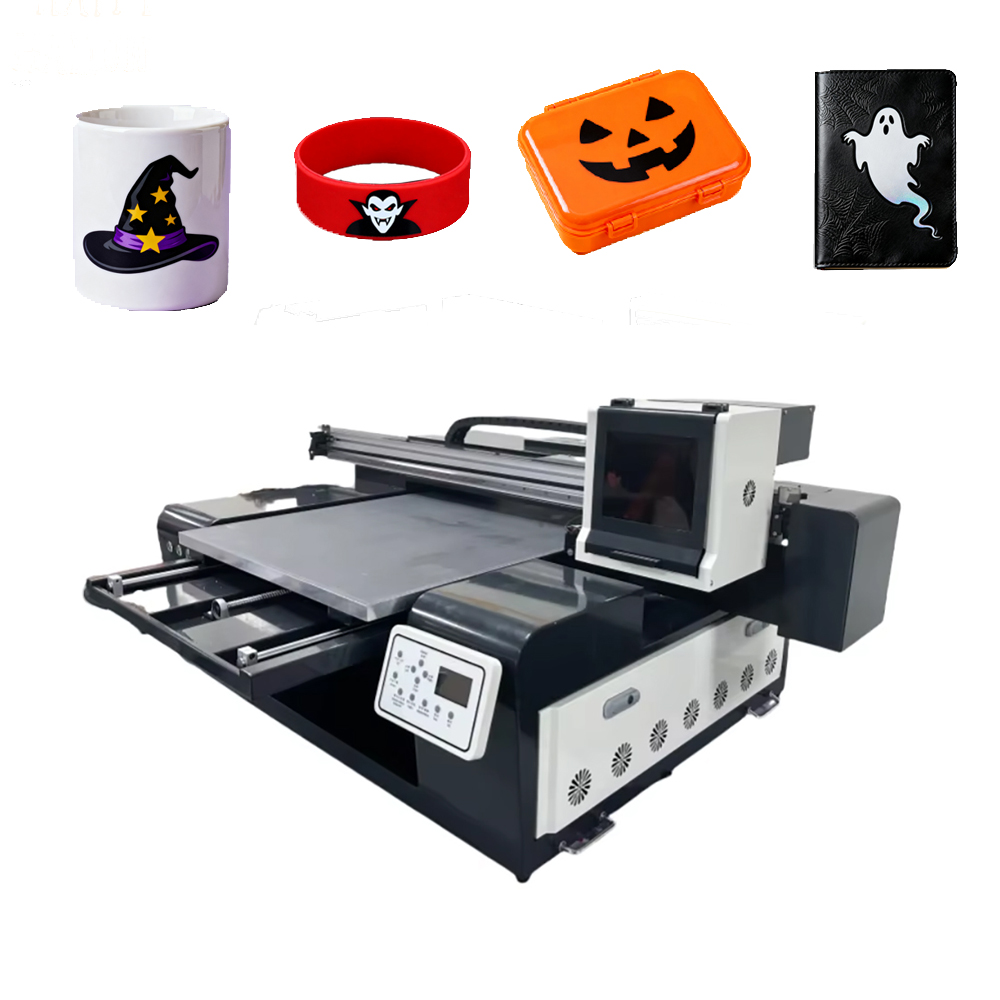
At 900mm x 600mm (35″ x 24″), the 9060 is big enough for real products – signs, gifts, decor, industrial parts – but small enough for a home workshop, garage, or retail backroom. And it starts at $5,000–$12,000.
It is the best-selling entry-level flatbed UV printer worldwide for good reason.
Why the 9060 Is Perfect for Startups
- Real Size, Real Products
At 90x60cm, the 9060 handles the most common small-to-medium products:
Product Quantity per Batch Selling Price (USD) Your Cost
Phone cases 20–30 $10–25 each $1–3
Coasters 40–60 $15–30 (set of 4) $2–5
Acrylic plaques 10–20 $15–50 each $3–8
Keychains 50–100 $5–15 each $0.50–1.50
Leather patches 30–50 $10–30 each $2–5
Metal nameplates 15–25 $8–25 each $1–3
Wooden coasters 20–40 $15–40 (set) $3–8
Mouse pads 15–20 $8–15 each $1–2
Tiles (10x10cm) 30–50 $5–15 each $1–2
Small signs (A3) 1–2 $15–50 each $3–8
Dog tags 50–100 $5–10 each $0.50–1
USB drives 20–40 $8–20 each $2–4
One batch = one print run. Load the bed with multiple items, print them all at once.
- Fits in Any Space
· Footprint – Approximately 1.4m x 1.2m (55″ x 47″)
· Door clearance – Fits through standard doors
· Power – Standard 220V or 110V (check your model)
· Weight – 150–200kg (can be moved with help)
· Ventilation – Minimal, fine for home/garage use
A spare bedroom. A garage. A retail store backroom. A market stall. The 9060 fits where you work.
- Affordable Entry Point
Configuration Price Range (USD) Best For
Basic (CMYK only, no white) $4,000–6,000 Light-colored materials only
Standard (CMYK + White) $6,000–9,000 Clear acrylic, glass, dark items
Pro (CMYK+White+Varnish, 4+ heads) $9,000–12,000 Premium finishes, higher speed
Financing available from many suppliers – as low as $200–$500/month.
- Fast Payback Period
Example Revenue Cost Profit Time to Pay $8k Printer
500 phone cases @ $10 $5,000 $500 $4,500 2 months
100 acrylic signs @ $30 $3,000 $600 $2,400 3.5 months
1,000 keychains @ $8 $8,000 $1,000 $7,000 1.2 months
Many users recover their investment in 2–4 months.
What You Can Make and Sell
Category Products Selling Price (USD) Your Cost Margin
Phone accessories Cases, pop sockets, grips $10–25 $1–3 70–85%
Drinkware Coasters, bottle openers, mugs $15–30 (set) $2–5 70–80%
Signage Acrylic desk signs, A3 posters, real estate nameplates $15–50 $3–8 70–80%
Jewelry & accessories Keychains, dog tags, bracelets, cufflinks $5–15 $0.50–1.50 80–90%
Leather goods Patches, key fobs, wallets, belts $10–30 $2–5 65–80%
Industrial Nameplates, control panels, serial number plates $8–25 $1–3 75–85%
Home decor Wooden wall art, tiles, ornaments, mirrors $15–40 $3–8 65–75%
Office supplies Mouse pads, pen holders, desk organizers $8–15 $1–2 70–80%
Promotional items USB drives, power banks, metal pens $8–20 $2–4 60–75%
Awards & trophies Acrylic plaques, medals, recognition gifts $15–60 $3–12 70–80%
One machine = dozens of product lines. One person = a full-time business.
9060 vs. Other Sizes – Quick Comparison
Model Print Area 4’x4′ Sheet? Space Needed Price Range Best For
9060 90x60cm No Small garage/room $5k–12k Gifts, small signs, startups
1612 160x120cm Yes (rotated) Medium shop $12k–22k Sign shops, decor
2513 250x130cm Yes (full) Large shop $18k–35k 4’x8′ sheets
Desktop A4 21x30cm No Desk $500–2k Hobby only
The 9060 is the ideal entry point. Start here. Upgrade to 1612 or 2513 when you outgrow it.
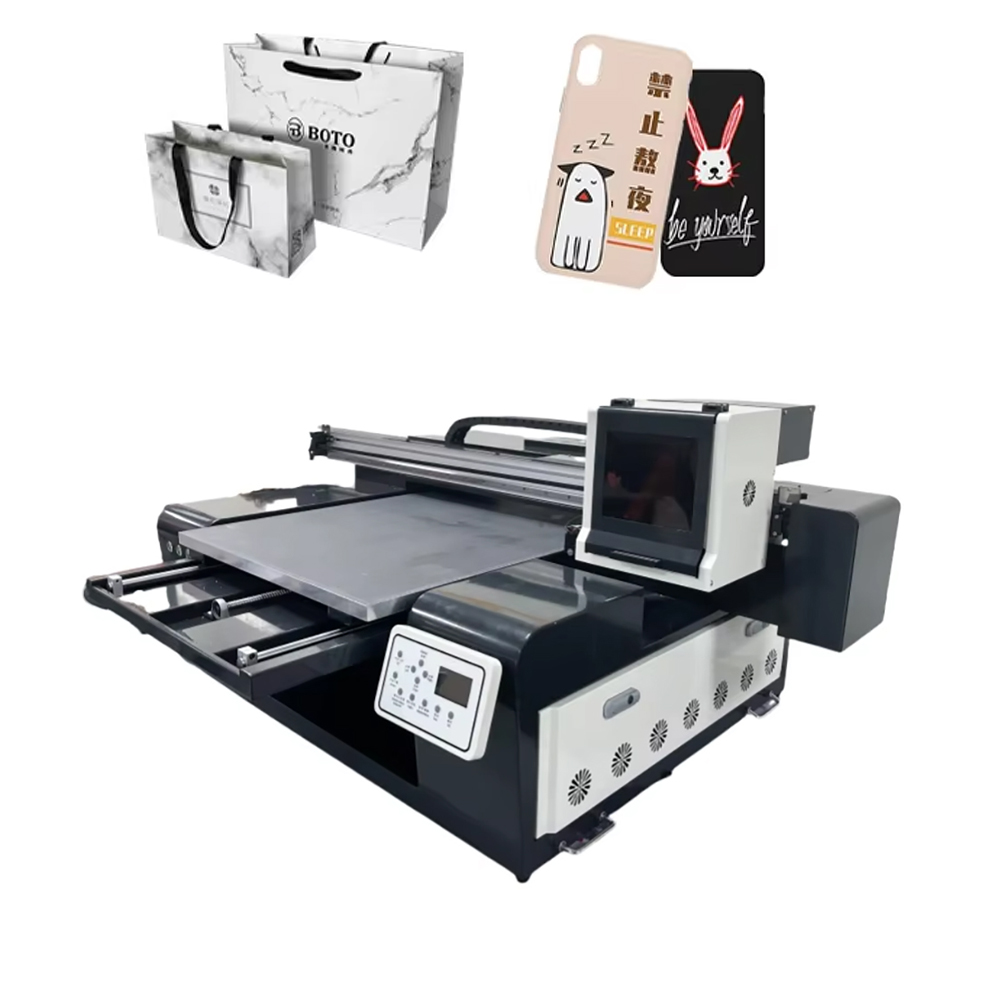
Materials the 9060 Prints Best
Material Difficulty White Ink Needed? Best Applications
Acrylic (clear) Easy Yes Keychains, signs, awards, ornaments
Acrylic (colored) Easy No Signs, displays, gifts
Aluminum / Metal Easy No Nameplates, labels, keychains
Wood / MDF Easy No Coasters, ornaments, wall art, signs
Leather Easy Optional Patches, key fobs, wallets
Glass Medium Yes Coasters, small decor, mirrors
Ceramic tile Easy Optional Coasters, samples, decor
PVC foam board Easy No Small signs, displays
Cardboard / Kraft Easy No Packaging prototypes, displays
Plastic cards Easy Optional ID cards, loyalty cards, gift cards
Stone / Slate Medium Optional Coasters, memorials, decor
Cork Easy No Coasters, bulletin boards
Pro tip: Buy sample packs from your supplier. Test each material before accepting large orders.
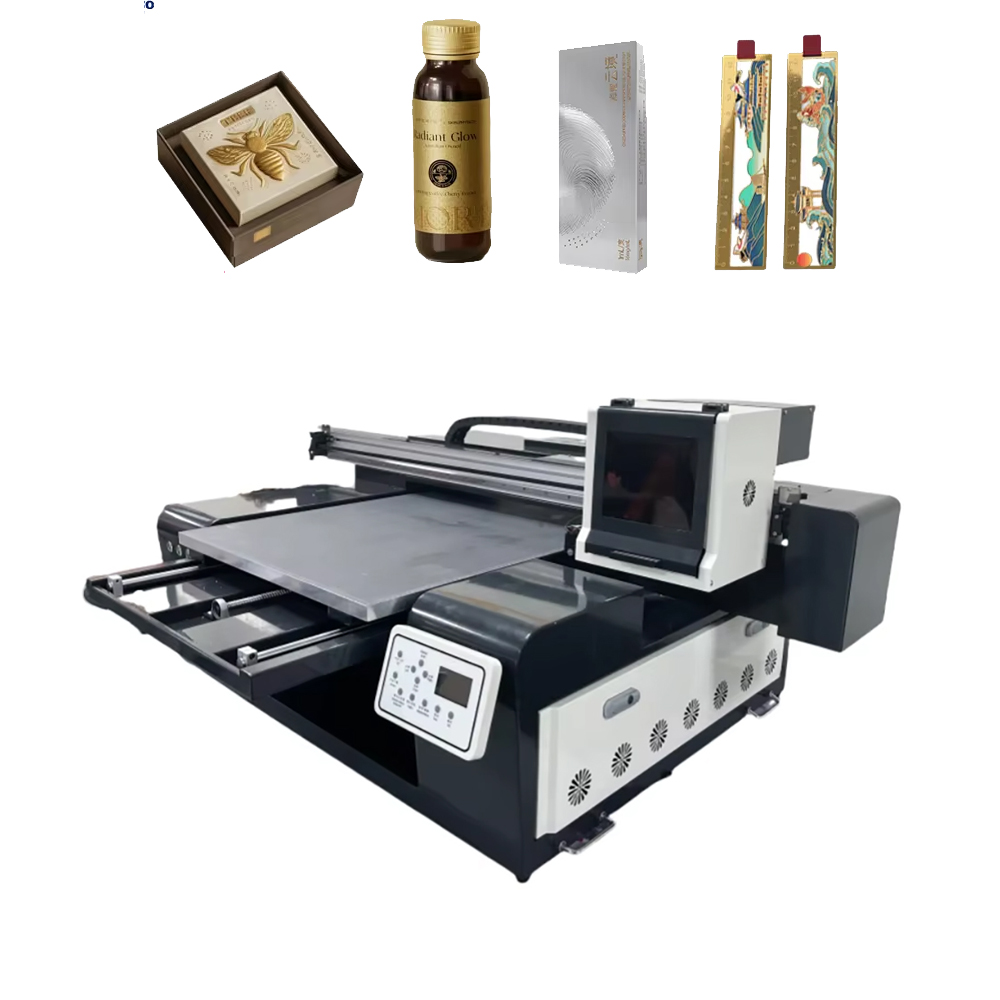
Key Features to Compare
Feature Entry 9060 Pro 9060 (Recommended) Why It Matters
Print area 900 x 600 mm 900 x 600 mm Same – plenty for most products
Max thickness 80 mm 100–150 mm Thicker materials = more products
Printheads 2 Ricoh Gen4 4 Ricoh Gen5 More heads = faster, better quality
Ink channels CMYK CMYK + White + Varnish White = clear/glass/dark, Varnish = premium
White ink circulation No (manual shake) Yes (automatic – critical) Prevents clogs – non-negotiable
Vacuum table Basic Multi-zone Holds warped materials flat
Speed (standard) 4–6 sqm/hour 6–9 sqm/hour More output = more revenue
Auto height sensing No Yes No manual adjustments
RIP software Basic Professional Better color control
Must-have for dark/clear materials: White ink circulation. Without it, printing on clear acrylic or dark substrates is nearly impossible. Pay for this upgrade.
Real-World Success Stories
Case Study: Manila, Philippines – Gift Shop Owner
· Before: Bought pre-made phone cases and coasters – low margins, generic designs.
· After: 9060 Pro printing custom designs on demand.
· Result: ROI in 2 months. Now sells at weekend markets. Average sale: $25. Profit margin: 75%.
Case Study: Texas, USA – Etsy Seller
· Before: Outsourced acrylic keychains. $3 cost, sold at $8. Thin margin.
· After: 9060 in-house. $0.80 cost, sold at $8.
· Result: Profit per keychain: $7.20 vs. $5. Payback in 6 weeks. Now selling 500+ keychains monthly.
Case Study: Nairobi, Kenya – Promotional Products Startup
· Before: Could not offer custom hard goods – only printed shirts.
· After: 9060 added. Now prints custom USB drives, power banks, metal pens.
· Result: Revenue doubled in 4 months. Corporate clients now account for 60% of business.
Case Study: London, UK – Leather Goods Maker
· Before: Hand-stamped leather patches – slow, inconsistent.
· After: 9060 printing directly on leather. Full-color logos, photos, text.
· Result: Production time dropped 80%. Now supplies patches to 20+ clothing brands.
Case Study: São Paulo, Brazil – Small Sign Shop
· Before: Only made vinyl stickers. Rejected acrylic sign requests.
· After: 9060 printing acrylic desk signs, real estate nameplates, awards.
· Result: Added $2,000/month in new revenue. Printer paid off in 3 months.
Case Study: Dubai, UAE – Wedding Favors Business
· Before: Outsourced acrylic favors – expensive, slow, limited customization.
· After: 9060 printing custom acrylic keychains, coasters, and place card holders.
· Result: Average order value: $500. ROI in 2 months. Now 100+ wedding orders annually.
Case Study: Toronto, Canada – Industrial Label Maker
· Before: Hand-engraved metal nameplates – slow, limited to text.
· After: 9060 printing full-color logos, barcodes, and serial numbers.
· Result: Production speed increased 10x. Won 3 manufacturing contracts.
Overcoming Common Hesitations
“Is 90x60cm big enough?”
For most startups and small businesses, yes.
Product Type Fits?
Phone cases (20–30 per batch) Yes
Coasters (40–60 per batch) Yes
A3 posters and signs (1–2) Yes
Keychains (50–100 per batch) Yes
Leather patches (30–50 per batch) Yes
Small gifts and promotional items Yes
If you plan to print large signage (4’x8′ acrylic), the 9060 is too small – upgrade to 1612 or 2513. But for 80% of small business products, the 9060 is perfect.
“What about maintenance?”
Task Frequency Time
Printhead wipe Daily 2 minutes
Nozzle check Daily 1 minute
Clean UV lamps Weekly 5 minutes
Clean vacuum table Weekly 5 minutes
Lubricate rails Monthly 10 minutes
With white ink circulation, clogs are rare. Most users spend less than 30 minutes per week on maintenance.
“Can I compete with bigger shops?”
Yes. Your advantages:
Your Advantage Big Shop Weakness
Speed – Print today, ship today 5–10 day turnaround
No minimums – 1–50 piece orders welcome Reject small orders
Personal service – Customer talks to YOU Call center
Niche focus – You specialize in gifts/small items They do everything
Lower overhead – Home/garage vs. warehouse High fixed costs
Customization – Every order can be unique Batch processing only
Small customers become big customers. Start with one. Grow to one thousand.
“What about training and support?”
Professional suppliers provide:
· Remote installation & training – Video calls, manuals, video library
· Ongoing support – WhatsApp, WeChat, TeamViewer, Zoom
· Spare parts – Fast shipping worldwide
· Warranty – 12–24 months
· Online community – User groups, forums, tips
“Is a 9060 profitable?”
Absolutely. Example calculation:
Monthly Costs Amount
Machine payment (financed $8k/12mo) $667
Ink (50 sqm @ $1.5/sqm) $75
Materials (varies) $500
Electricity $30
Maintenance supplies $20
Total monthly $1,292
Monthly Revenue Amount
300 phone cases @ $10 $3,000
200 coasters @ $5 $1,000
50 small signs @ $20 $1,000
100 keychains @ $8 $800
Total revenue $5,800
Monthly profit: $4,508 → ROI in 1.8 months
Your 9060 Buyer’s Checklist
Before contacting suppliers, know:
· What products will you sell? (Phone cases? Signs? Gifts? Leather? Awards?)
· Do you need white ink? (Yes for clear acrylic, glass, dark items – highly recommended)
· Daily volume? Under 100 items/day = entry level. 100–300 = Pro model.
· Max material thickness? Standard 80mm is enough for most. Need thicker? Order lift kit.
· Space? 1.5m x 1.3m minimum. Measure your room.
· Budget? $5k–12k for machine + shipping + materials starter pack.
· Power? Confirm 110V or 220V compatibility.
9060 vs. Desktop Printers (A4/A3 Sublimation/DTF)
Factor 9060 UV Desktop A4/A3 (Sublimation/DTF)
Print on hard materials (acrylic, metal, glass) Yes (direct) No (requires transfer – limited)
Print on clear acrylic Yes (with white ink) No
Print on dark rigid materials Yes No
Durability Excellent (UV-cured, scratch-resistant) Good
Batch printing Yes (load multiple items) Limited
No heat press needed Yes (direct print) No (requires transfer + press)
Price $5k–12k $400–6k
Best for Rigid products, gifts, small signs Shirts, soft goods, mugs (sublimation)
The 9060 opens markets that desktop printers cannot reach.
The Bottom Line
The 9060 UV printer is the world’s most popular entry-level flatbed UV printer for good reason.
Benefit Why It Matters
Affordable $5k–12k, not $40k+ – accessible to almost anyone
Compact Fits in a garage or spare room – no warehouse needed
Versatile Print on acrylic, metal, wood, glass, leather, ceramic – dozens of products
Profitable Payback in 2–4 months – low risk, high reward
Scalable Start here, upgrade to 1612/2513 when you grow
If you are:
· Starting a custom gift business
· Adding hard goods to an existing print shop
· Looking for a side hustle with real profit potential
· Tired of outsourcing small rigid-material jobs
· Wanting to test the market before big investment
The 9060 is your machine.
One machine. 90x60cm. Unlimited products.
Start small. Print big. Grow fast.
Ready to start your UV printing business?
[Request a live 9060 demo] – Watch it print phone cases, coasters, and signs in real time
[Download the 9060 Profitability Calculator] – Input your numbers, see your ROI
[Send us a sample design] – We’ll print and ship samples to your door
[Get the Startup Product Checklist] – 50+ products you can make with a 9060
[Compare 9060 vs. Desktop vs. 1612] – Which fits your goals?