Conquer Rigid Substrates: Why the UV Printer 1612 is the Global Standard for Flatbed Printing

he Global Challenge: “We Want to Print on That… But How?”
Imagine a customer walks in with a pile of wooden phone cases. Another needs 50 glass award plaques. A third wants a full-print acrylic sign for a luxury boutique. And a furniture maker asks for custom patterns on leather ottomans.
Screen printing? Impossible on multi-sized rigid items.
Vinyl wrapping? Too slow, too labor-intensive.
Pad printing? Only one small color at a time.
What you need is a UV flatbed printer. Specifically, the 1612.
The 1612 (600mm x 1200mm or 1600mm x 1200mm, depending on manufacturer) is the most popular flatbed size in the world for small-to-medium industrial production. Large enough for signage, small enough for promotional products. Direct printing. Instant curing. No film. No plates. No waste.
Why the 1612 is the World’s Best-Selling Flatbed Size
Before we dive into features, let’s talk size. The printing area is approximately 1.6 meters by 1.2 meters (63″ x 47″).
What Fits on a 1612 Industries Served
4–6 acrylic sign blanks Signage & displays
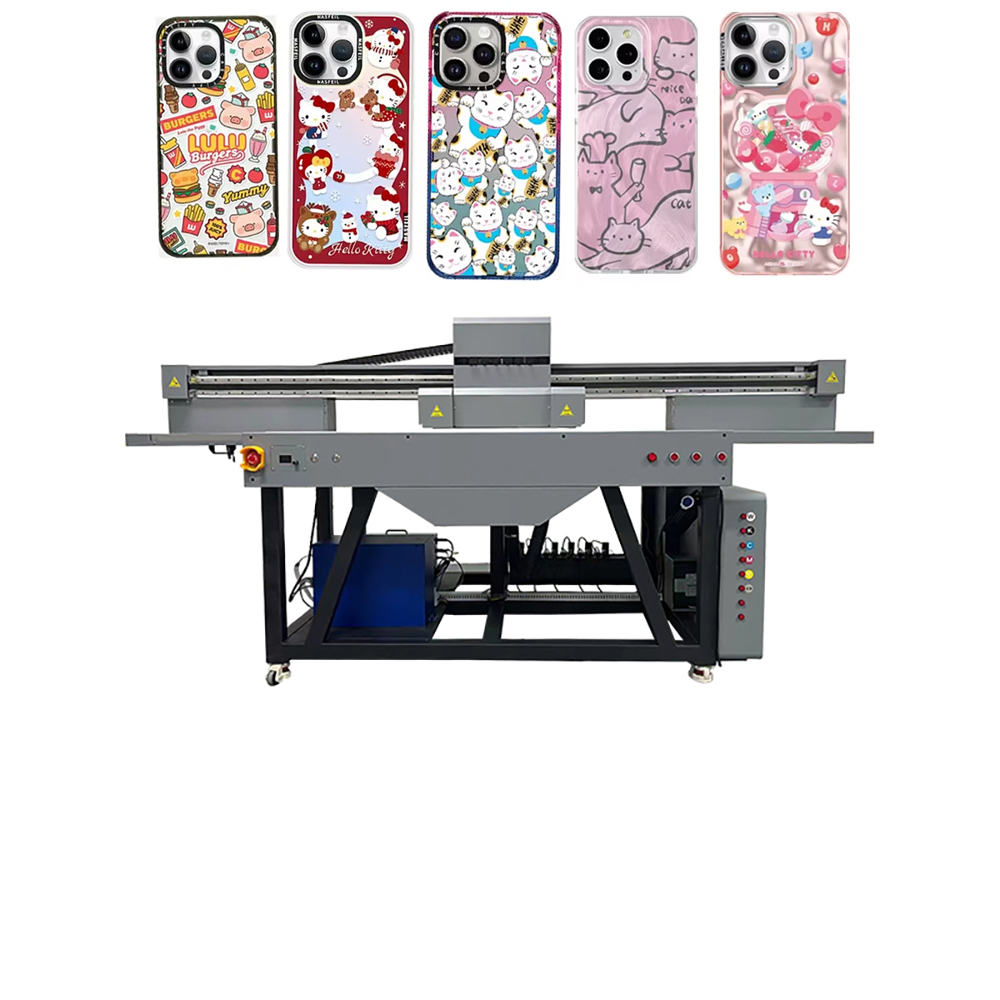
20+ phone cases (in one pass) Promotional products
2 full suitcase shells Luggage customization
Large circuit boards Electronics
Wine bottles (standing upright) Luxury packaging
Ceramic tiles Home décor & construction
One machine covers hundreds of product categories. That’s why global buyers from Dubai to Detroit keep adding 1612s to their workshops.
The Technology: UV-LED Curing = Instant Profit
Traditional printing requires drying time, heat, or chemical treatments. UV printing uses ultraviolet LED lamps to cure (harden) the ink the instant it touches the surface.
What that means for you:
· Print on anything: Wood, glass, metal, acrylic, PVC, ceramic, leather, stone, plastic, foam board, corrugated cardboard, even canvas.
· No drying racks: Product exits the printer ready to use or ship.
· Brilliant adhesion: UV inks chemically bond to surfaces. Scratch-resistant, weatherproof, fade-resistant.
· Eco-friendly: UV-LED consumes less energy than mercury lamps. No VOCs (volatile organic compounds). No solvents.
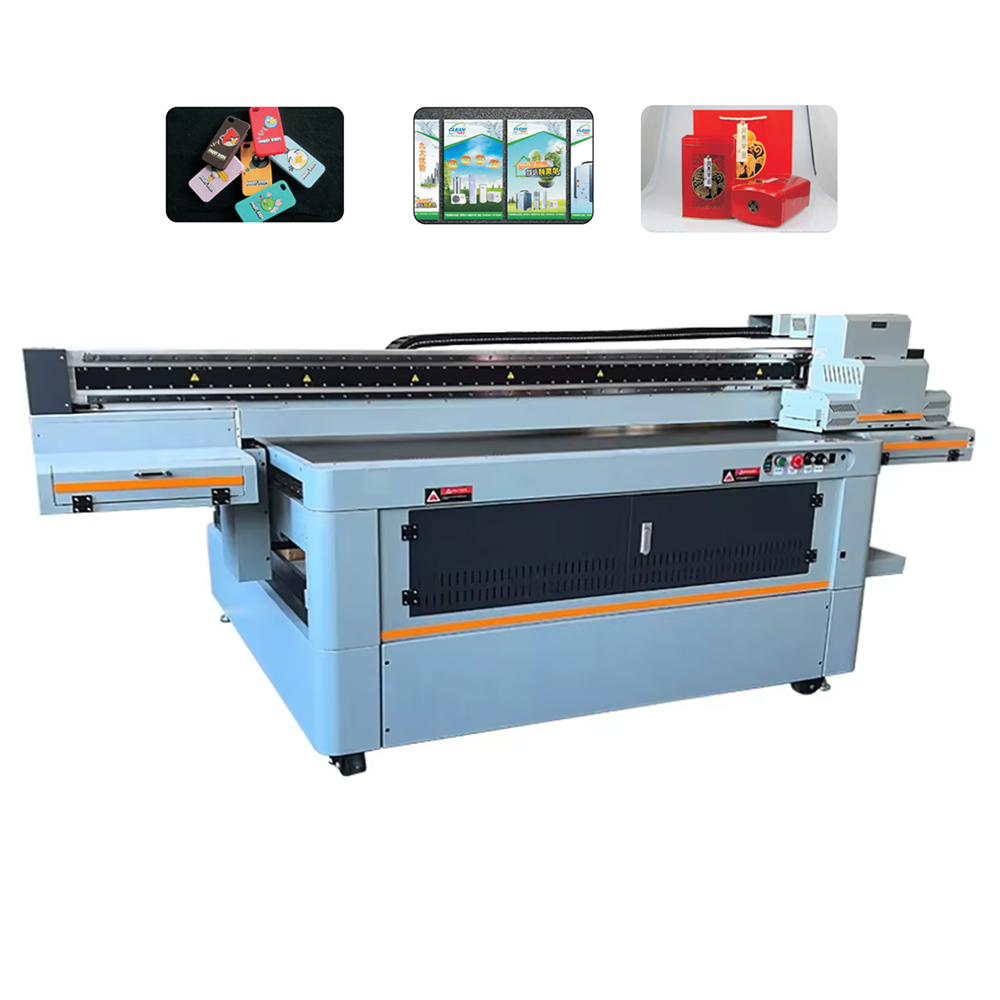
Why Global Printers Are Switching to the 1612 UV Printer
- Zero Setup = Zero Minimum Orders
Screen printing a single glass plaque costs $50+ in setup fees. With UV printing, you load the file, position the substrate, and press “print.” One piece or one thousand—same cost, same speed.
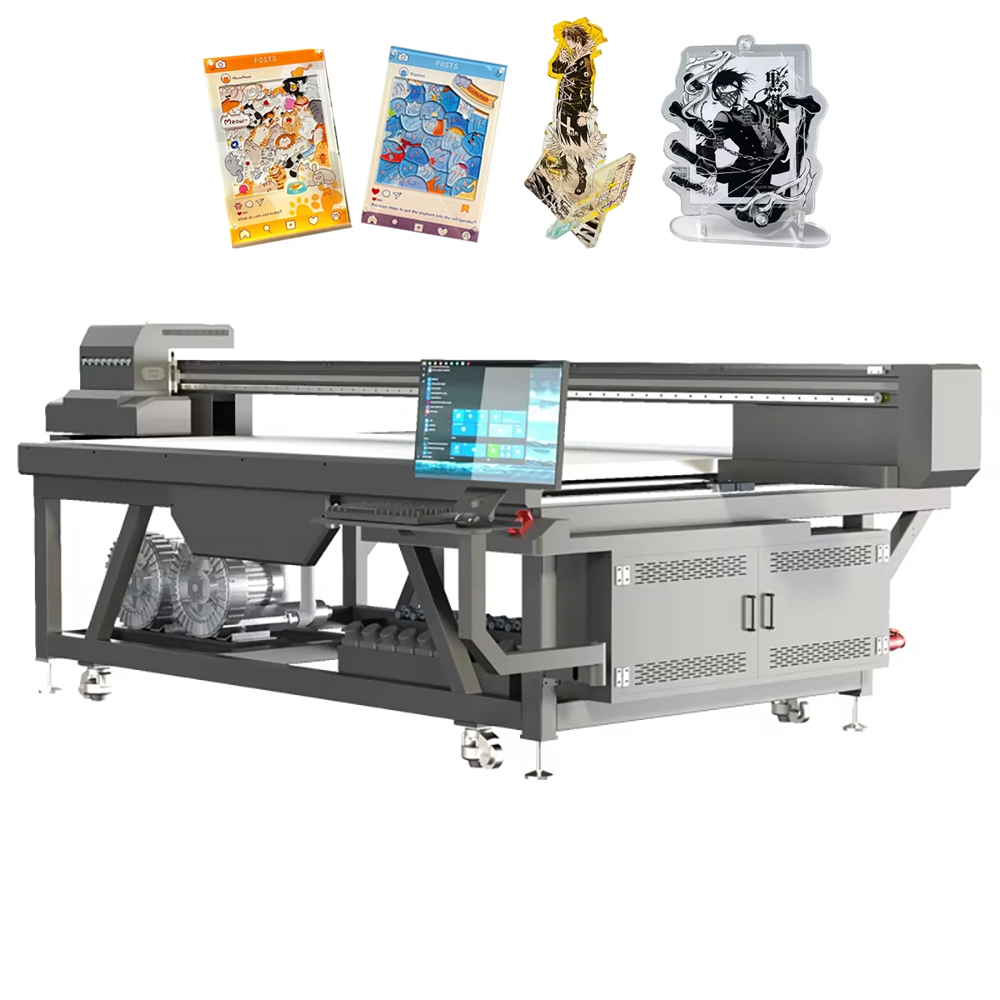
- CMYK + White + Varnish (Print Effects That Sell)
Premium 1612 models offer 4–8 color channels:
· CMYK for full-color photographs.
· White ink to print on clear or dark substrates (essential for glass and acrylic).
· Varnish for glossy, matte, or textured 3D effects (raised lettering, braille, embossed logos).
Imagine selling a clear acrylic sign with white backlighting and a glossy raised logo. That’s a high-ticket item. The 1612 makes it routine.
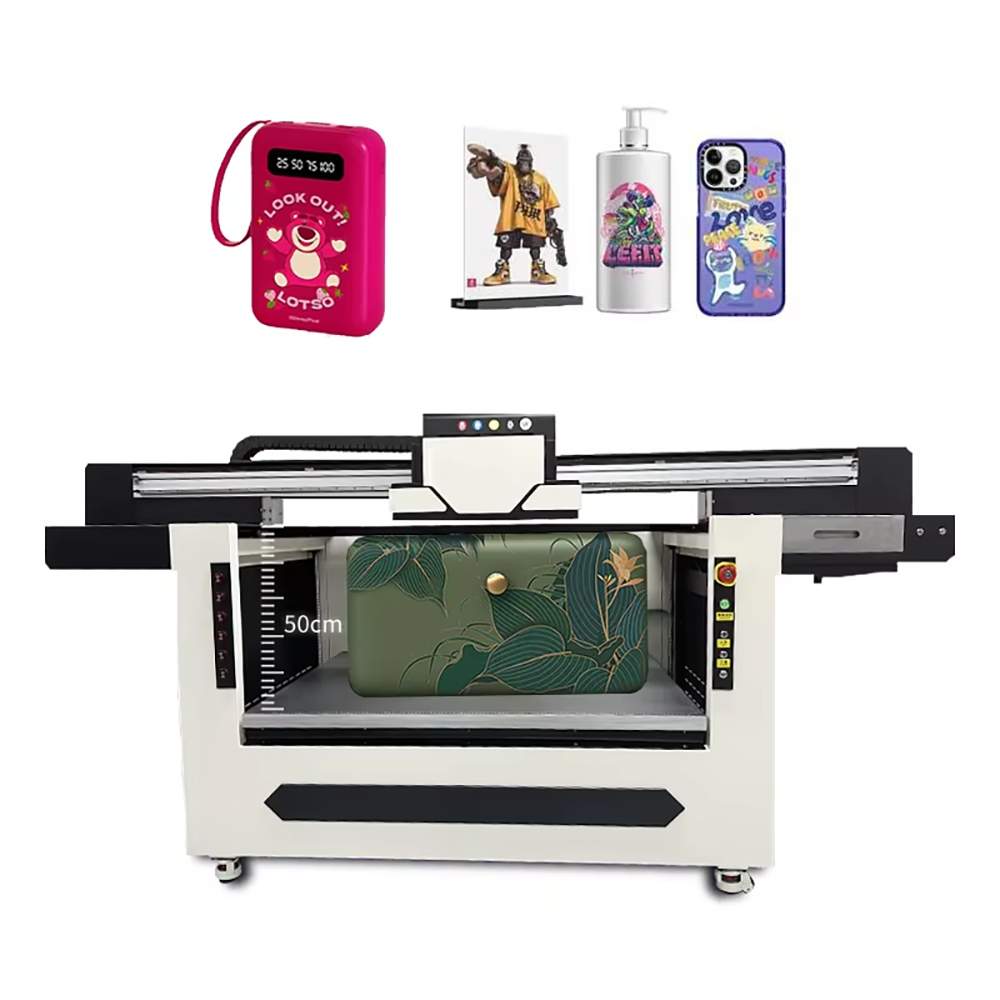
- Industrial Speed, Desktop Footprint (Almost)
A 1612 is not small, but it’s compact for its class:
· Footprint: ~2.5m (L) x 2.0m (W) x 1.4m (H) with stand
· Weight: 600–800 kg (1,300–1,750 lbs)
· Power: Standard single-phase 220V (available worldwide)
Speed benchmarks:
· Signage (600x1200mm acrylic): 3–5 minutes in high quality
· Phone cases (full bed of 20+): 2–3 minutes
· Bottles (with rotary attachment): 30–60 seconds each
- Rotary Attachment = Cylindrical Printing
Many 1612 models offer an optional rotary axis. This unlocks:
· Bottles (wine, water, cosmetic)
· Tumblers & mugs (metal, ceramic, acrylic)
· Candles, pens, baseball bats, tool handles
With a rotary, the 1612 becomes two machines: a flatbed printer and a cylindrical printer.
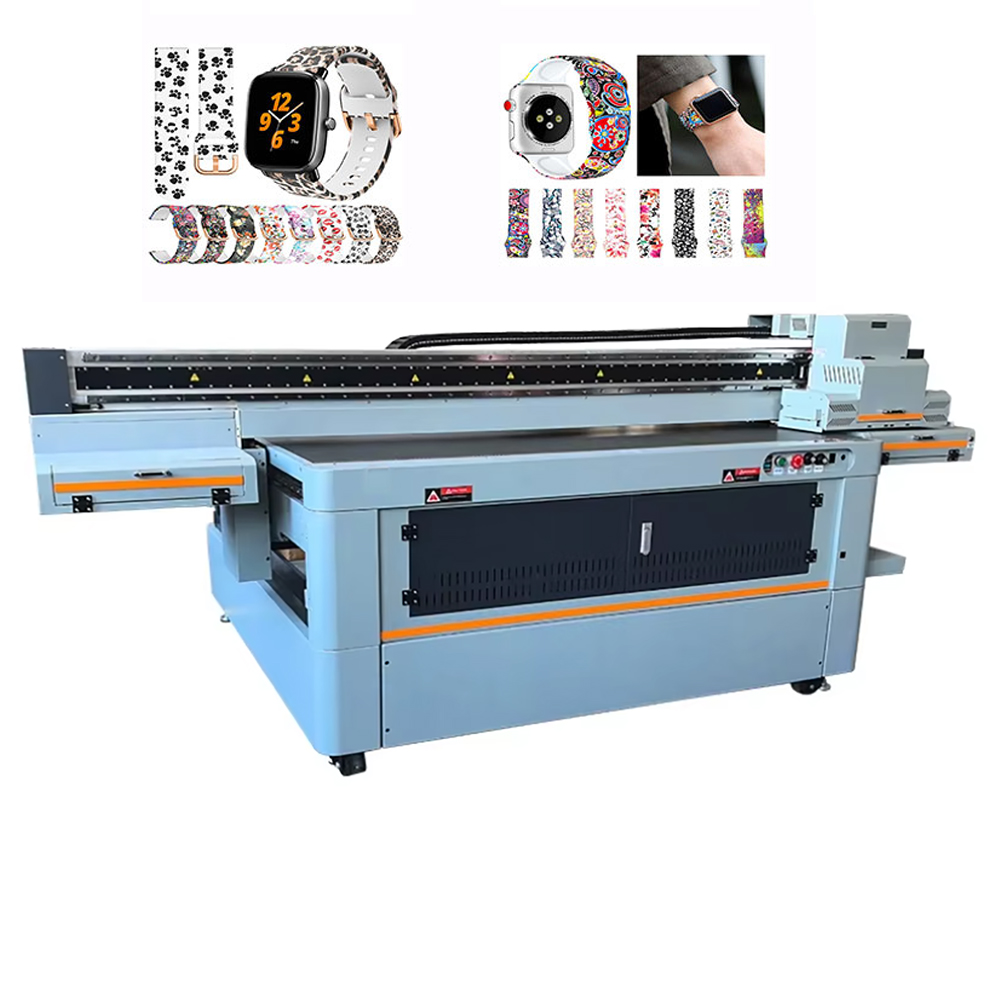
Who Is Buying UV 1612 Printers? (Your Global Target Market)
The Sign & Display Shop:
You’re tired of outsourcing acrylic panels, foam boards, and corrugated plastic signs. Bring it in-house. Same day. Full color. No contour cutting required (but you can add that too).
The Promotional Products Distributor:
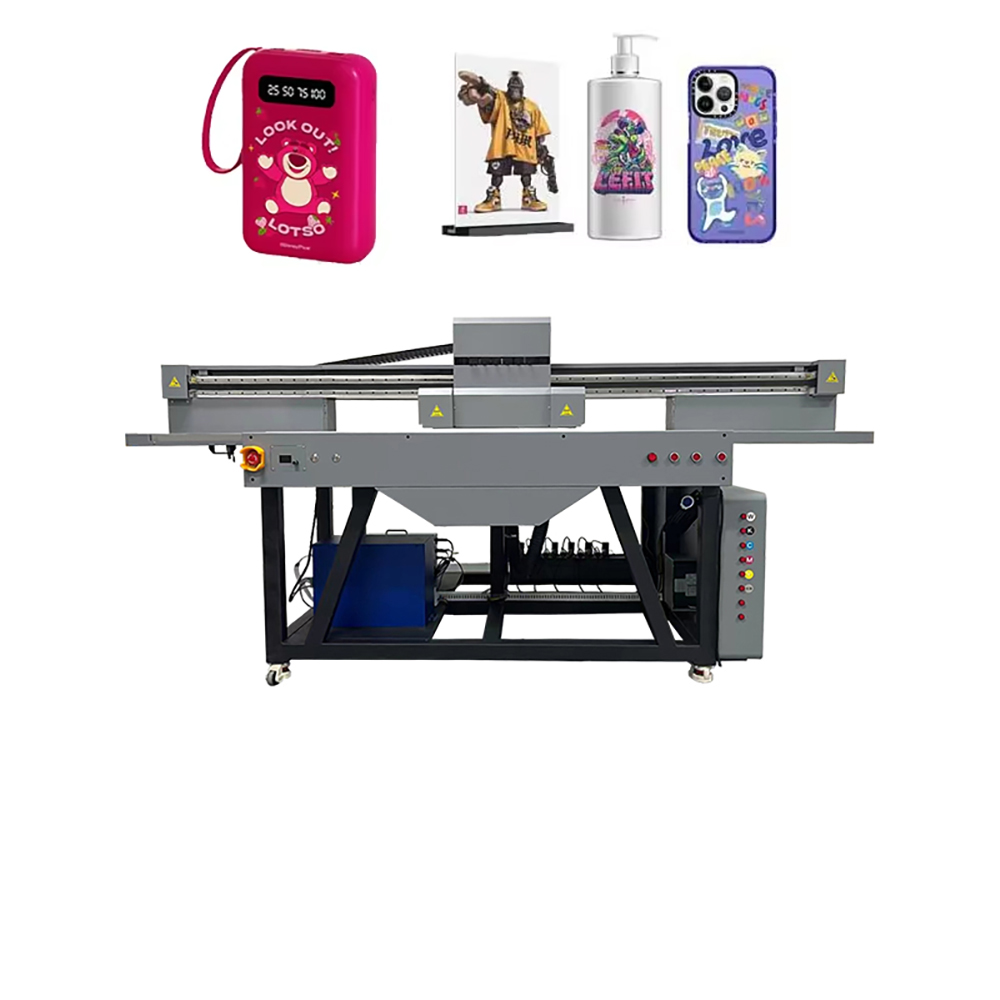
Corporate clients want branded USB drives, phone stands, power banks, and notebooks. UV prints directly on the product—no stickers, no pad printing limits.
The Interior Design / Home Décor Business:
Custom ceramic tiles, engraved-look wood panels, glass splashbacks, leather upholstery accents. Sell to hotels, restaurants, and luxury residential clients.
The Industrial Manufacturer:
Control panels, nameplates, serial number labels, automotive trim. UV printing replaces expensive and slow screen printing for short-to-medium runs.
The Art Reproduction Studio:
Direct print to canvas, metal panels, or rigid aluminum dibond. Museum-quality archival prints. No mounting. No lamination.
What to Look for When Buying a 1612 UV Printer (Global Buyer’s Checklist)
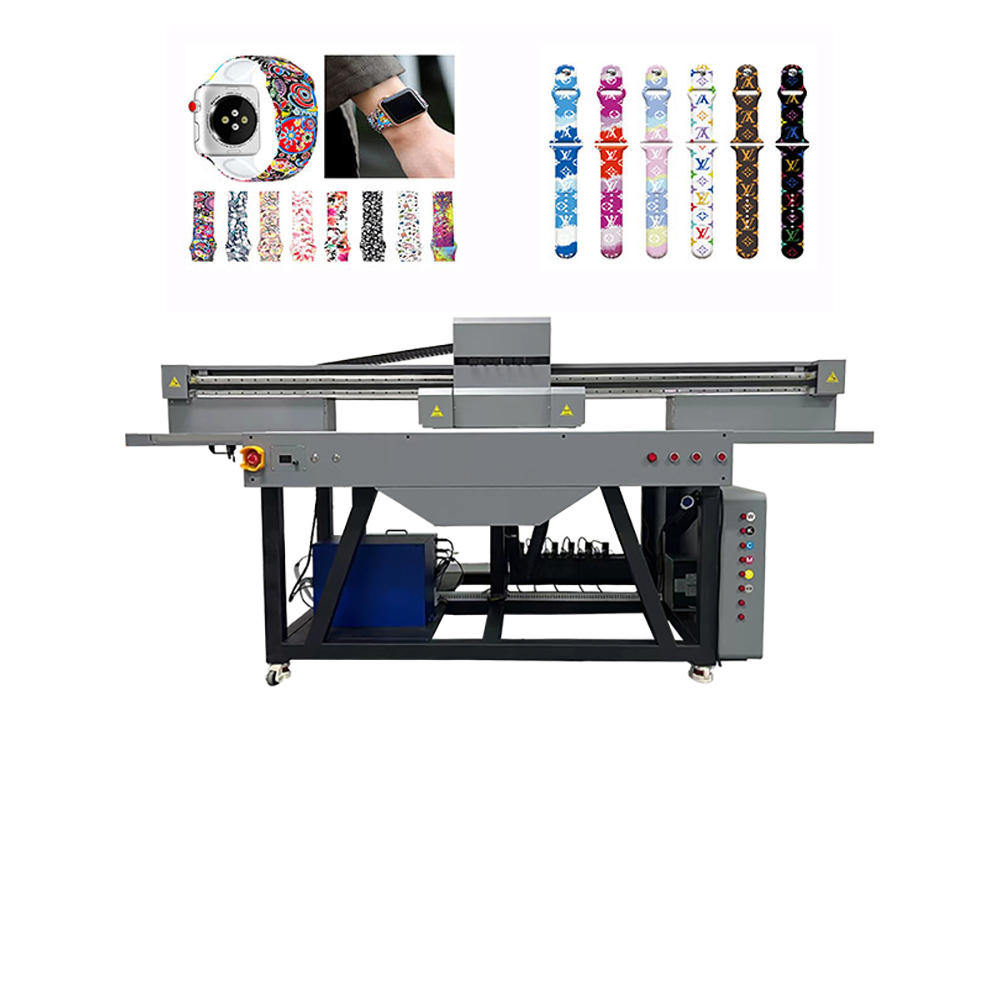
To attract worldwide customers and keep production running, demand these features:
Feature Why It Matters
Ricoh Gen5 or Gen6 printheads Industry standard for UV. Reliable, repairable, parts available globally.
Automatic white ink circulation White ink settles quickly. Recirculation prevents clogging and saves headaches.
Vacuum table with zones Holds flat substrates tight. Zoning lets you print small pieces without losing suction.
LED lamp with cooling Extends LED life. Protects heat-sensitive materials (like thin plastics).
Anti-static & dust removal Critical for printing on glass and acrylic. Dust = rejects.
Global support network Do they ship parts within 48 hours? Remote video support? On-site technician network?
Real-World Examples: What 1612 Owners Are Printing
· Dubai: Luxury glass awards with raised gold varnish edges.
· Germany: Industrial control panels with serialized barcodes.
· Brazil: Custom ceramic tile murals for restaurant chains.
· Vietnam: OEM phone cases for export brands.
· USA: Acrylic wedding invitations (yes, full acrylic invites).
Maintenance: Easier Than You Think (But Non-Negotiable)
A 1612 is a precision machine. Treat it well:
· Daily: Print a nozzle check. Clean the printhead cap station.
· Weekly: Manually wipe printheads. Check ink levels.
· Monthly: Clean the encoder strip. Grease linear rails.
· As needed: Replace UV lamp (every 2,000–3,000 hours).
Most downtime comes from dirty heads or empty white ink. A simple daily routine eliminates 90% of problems.
Pricing & ROI: The Math That Works Worldwide
Typical 1612 UV printer investment: $12,000 – $25,000 USD (depending on printheads, size, features)
Additional costs: UV ink ($150–$300/L), rotary attachment ($2,000–$4,000), shipping, installation
Sample ROI calculation:
· Print 20 acrylic signs per day @ $50 each (retail) = $1,000 revenue/day
· Ink + depreciation cost = ~$3 per sign
· Payback period: 30–60 working days
Even at half that volume, the machine pays for itself within a year.
Case Study: From Sign Shop to National Supplier
“Our 1612 arrived on a Thursday. By the following Tuesday, we had printed 400 acrylic coasters for a hotel chain—a job we would have outsourced for $6 each. Our cost: under $1 each. We underbid the competition by 40% and still tripled our margin. Now we’re printing for retailers across three states.”
— Marco V., “Digital Décor Solutions”
The Bottom Line: If It’s Flat (or Round), You Can Print It
The UV printer 1612 is not a niche machine. It’s a production platform that serves dozens of industries—signage, gifts, packaging, manufacturing, home décor, art, and beyond.
One machine. Thousands of products. Global customers waiting.
Stop turning down orders because you can’t print on rigid substrates. Stop outsourcing and losing control of quality and timelines. Bring UV printing in-house.
Your next customer doesn’t care what printer you use. They only care if you can say “Yes, we can do that.” With a 1612, you always say yes.
👉 [Get a Free Sample Print + Quote Today] – Send us a file and a substrate (wood, glass, acrylic, or your material). We’ll print it and ship it to you worldwide. See the quality before you buy.
